Gigtrybe, Redefining the Community of Verified Talents.
Project Name
Gigtrybe App
Role
UX Design
Product Strategy
Visual Design
Product Design
UX Research
Date
2023
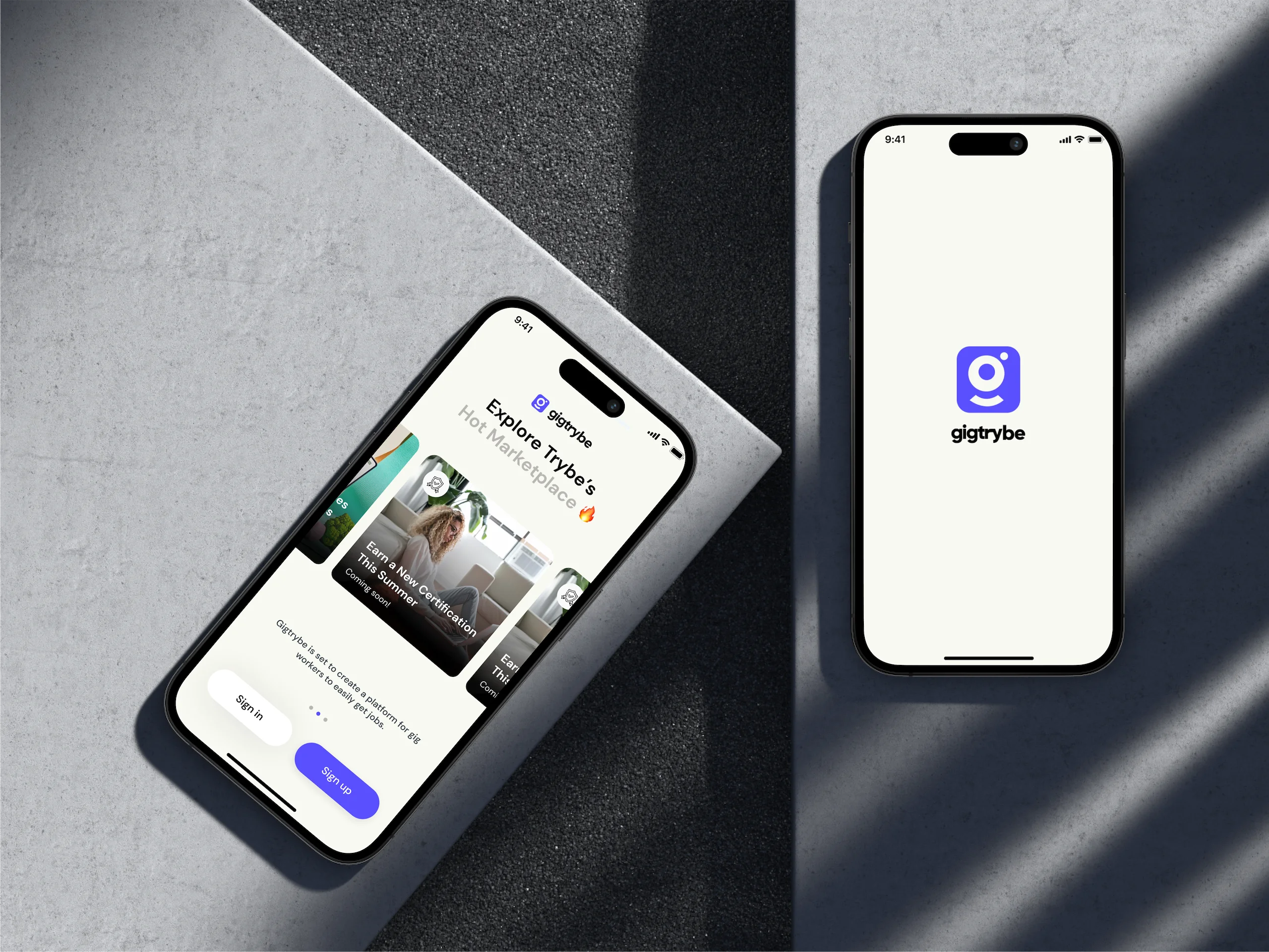
Gigtrybe is set to create a platform for gig workers to easily get jobs and be a part of a community of verified freelancers and organizations. The aim is not just to create a platform for job postings to be viewed, but to create an environment where everyone can be verified and has an identity and given an equal opportunity to get access to jobs all over the world starting from Africa.
Target Audience
Gig worker ( Customers )
Companies/Organizations ( Clients )
Gigmile Admins ( Admins )
The App is built for Freelancers to view job postings, apply and manage their Gigs seamless.
Web application to serve the Companies/clients; post jobs on the Job board, hire freelancers and and manage Gigs, Hires and Gig payments seamlessly.
An Administrator's dashboard is required to manage clients, freelancers/Gig workers, Gig posts, Gig payments, Active Gigs/Engagements, Plans/Subscriptions.
Design a mobile application that ensures verified talents have access to Gigs posted by Clients from the web app, apply for Gigs by providing details required by clients, proposed amount, start and end date. Manage all Gigs in one place, In app messaging functionality to foster a clear communication between client and talent, In app wallet for seamless funds management, also a marketplace proposed to be a one-stop shop for verified talents.
The Approach
Upon briefing, I went ahead to draft a product requirements documents for the Gigtrybe project. Based on sessions with the stakeholders; build a mobile App for Freelancers to view job postings, apply and manage their Gigs seamlessly, Web application to serve the Companies/clients; post jobs on the Job board, hire freelancers and and manage Gigs, Hires and Gig payments seamlessly.
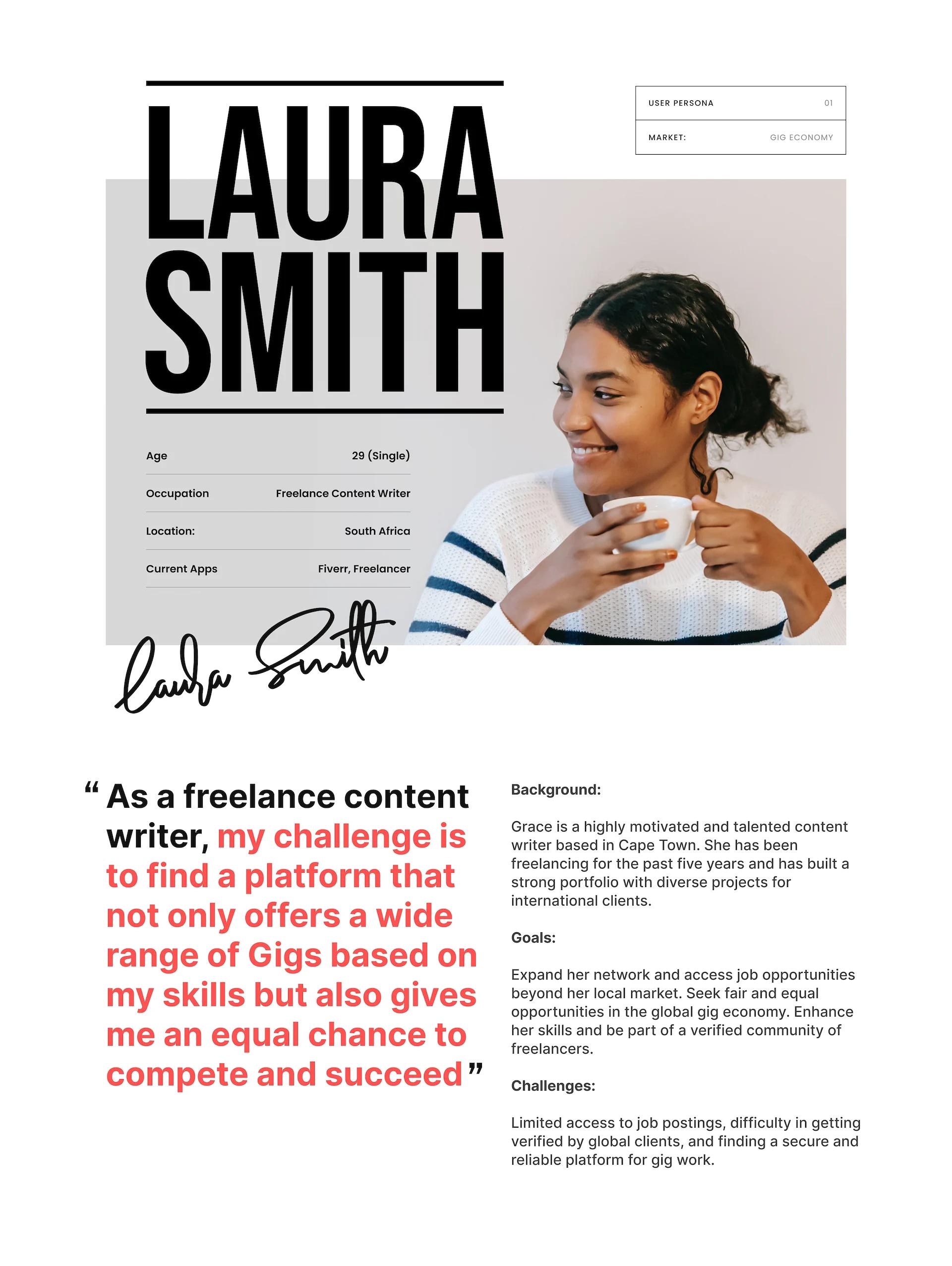
Summarily, conduct thorough qualitative user research to understand the target audience of the Gigtrybe app, their needs, and pain points. Create user personas that represent the different types of users who would utilize the Gigtrybe app, such as freelancers and gig workers, create a clear and intuitive information architecture that organizes the app's features and content in a logical manner. Map out the typical user journey of a freelance or gig worker from the point of awareness
Finally make sense of the research data collected from interviews, surveys, field studies, competitive analysis. Commence sketching wireframes and low-fidelity prototypes based on the identified pain points and user needs, develop a visual design concept that aligns with the conceived Gigtrybe brand and finally conduct usability testing sessions with projected users of the Gigtrybe application.
The specific features and design decisions will depend mainly on the app's target audience, goals, and unique requirements. Freelancers should be able to have a full overview of their gigs/jobs, view job listing, apply to Jobs, submit proposals, view feedback, start engagements, manage active engagements, receive scheduled payments, rate clients based on gigs.
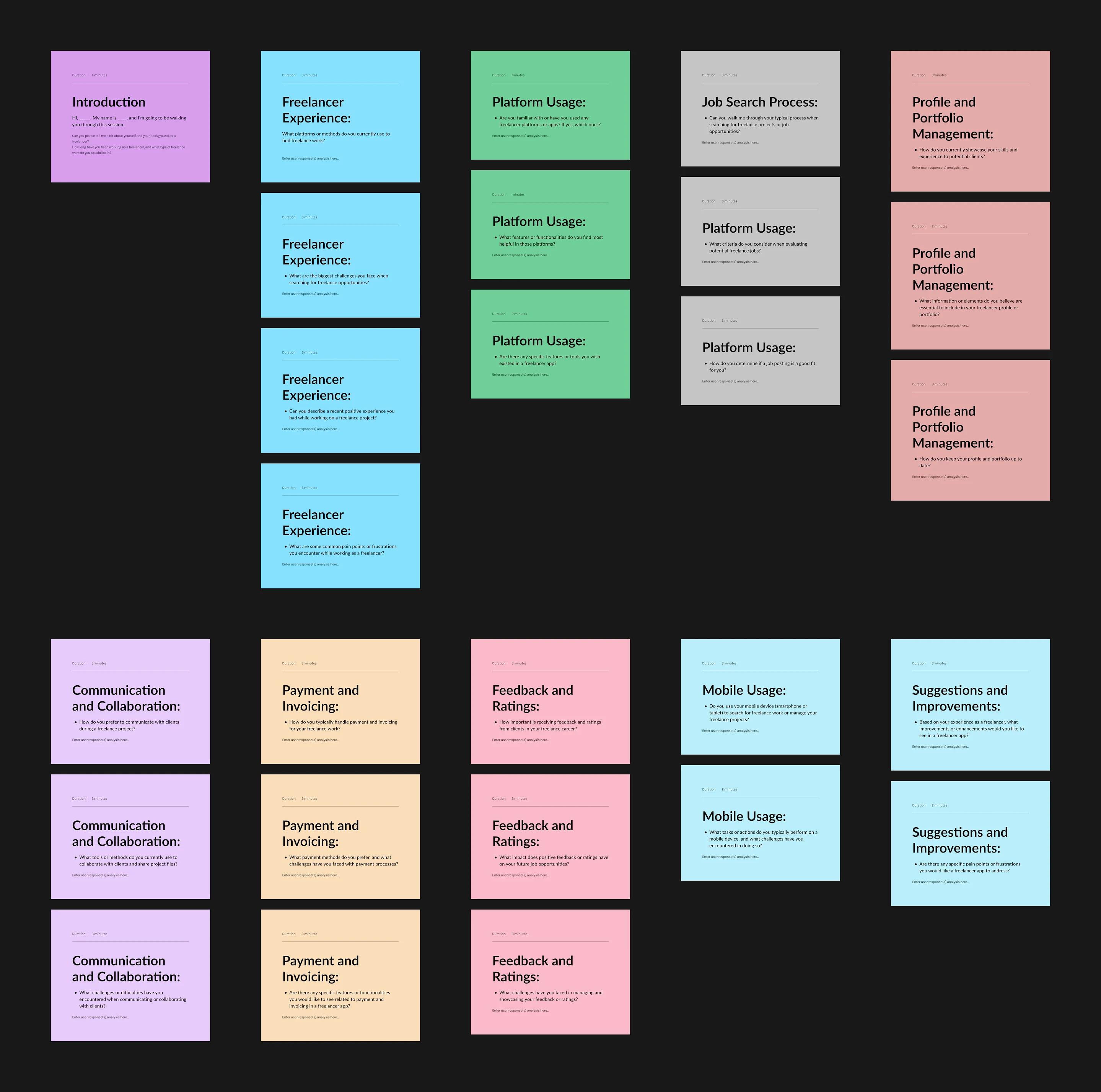
We drafted an interview questions template for the target audience; making sure it addresses the different aspects of the freelance experience, we allocated time slots and order.
User Interviews
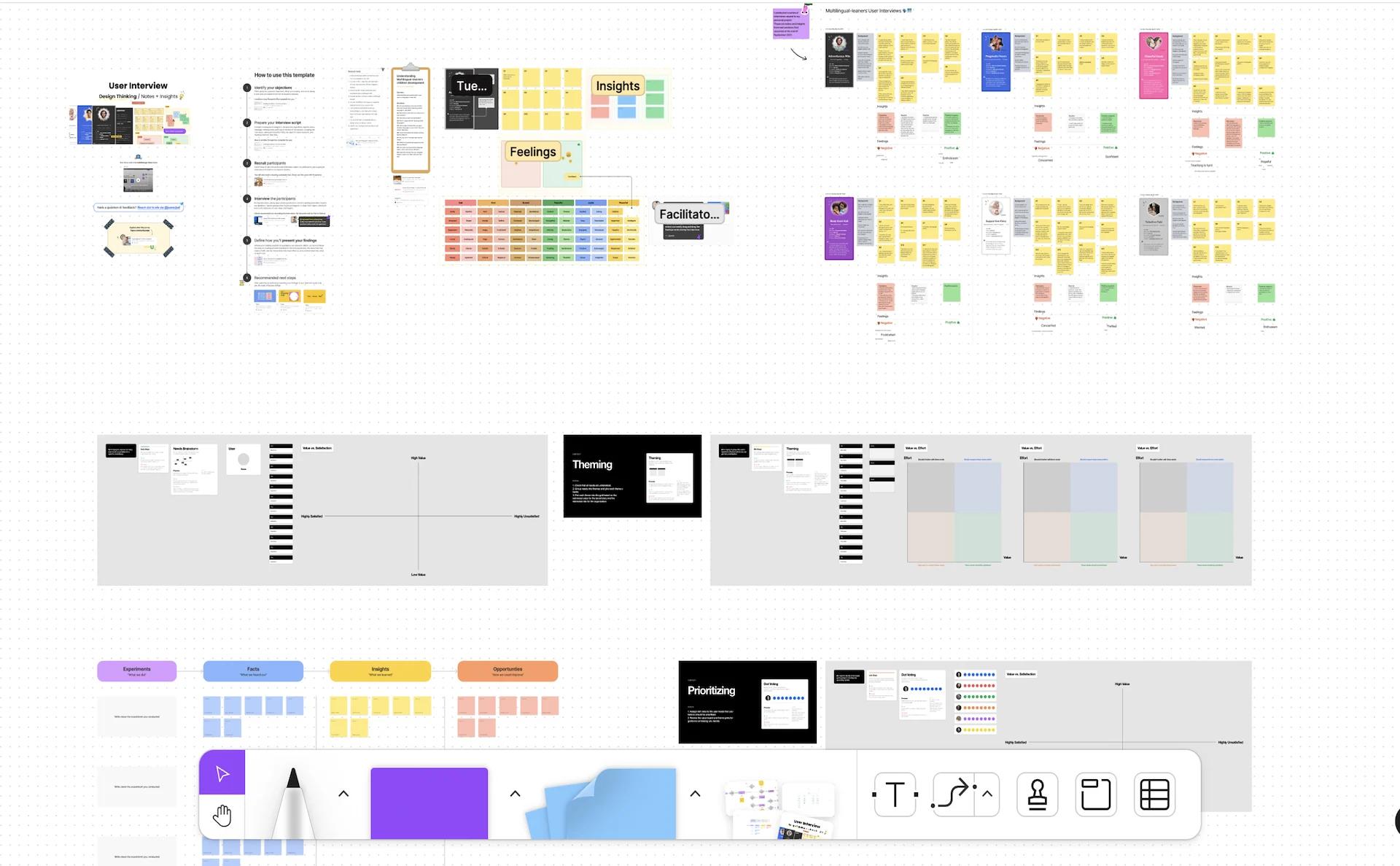
We've curated a list of interview questions that'd help us to fully understand the target audience sample and analyse their pain points. Interviews were conducted by Grace (product manager) and I.
22 users in total were interviewed, we ensured the target sample varied in terms of age, gender, demographics, orientation, literacy level, profession, skills…
The Gigtrybe Mobile App
Onboarding and User Registration: A seamless onboarding process that guides users through setting up their profiles and entering relevant information. Keep the registration process simple, allowing users to quickly create an account using email address
Identity Verification: Real time verifications of freelancers identity to foster a verified pool of talents Gigtrybe is all about. Users will provide their government issued Identifications documents and take selfies.
Profile Creation and Portfolio: Enable freelancers to showcase their skills, experience, and portfolio effectively. Provide intuitive forms and templates for freelancers to enter their details, including their expertise, previous work samples, education, and certifications. Allow freelancers to upload and organize their portfolio items in a visually appealing manner.
Job Search and Filters: Implement a robust search functionality that allows freelancers to find relevant job opportunities. Include filters and sorting options to refine search results based on factors like job type, location, budget, and required skills. Provide a clear and intuitive interface for browsing and viewing job listings.
Proposal Submission: Design a streamlined process for freelancers to submit proposals for projects. Clearly present project details and requirements, enabling freelancers to understand the scope and provide accurate proposals. Include options for freelancers to attach relevant documents or links to their proposals.
Messaging and Communication: Enable smooth and efficient communication between freelancers and clients within the app. Provide real-time messaging features, allowing freelancers and clients to exchange messages, discuss project details, and clarify requirements. Incorporate notification systems to ensure freelancers stay updated on new messages and project updates.
Payment and Invoicing: Develop a secure and convenient payment system for freelancers to receive payments. Allow freelancers to generate and send invoices to clients directly through the app. Integrate payment gateways to facilitate seamless transactions.
Feedback and Ratings: Include a feedback and rating system to foster transparency and trust. Enable freelancers and clients to provide ratings and reviews based on their experience. Display these ratings prominently on freelancer profiles to help clients evaluate freelancers.
Notifications and Reminders: Implement a notification system that keeps freelancers informed about new job opportunities, messages, project updates, and payment milestones. Provide reminders for important deadlines or pending actions to help freelancers manage their projects effectively.
User Support: Offer a user support system, such as a help center or chat support, to assist freelancers with any questions or issues they may encounter. Provide clear instructions and resources to guide freelancers through the app's features and processes.
Wireframing
After Identifying the main screens that are essential for a freelancer app, such as the home screen, job search screen, job details screen, profile screen, messaging screen, etc. We determined the necessary content and features for each screen based on user needs and app requirements, For example, the job search screen will require search filters, job listings, and sorting options. Arranging the content and key components within each screen and ensuring the placement of the UI components provides an intuitive experience.






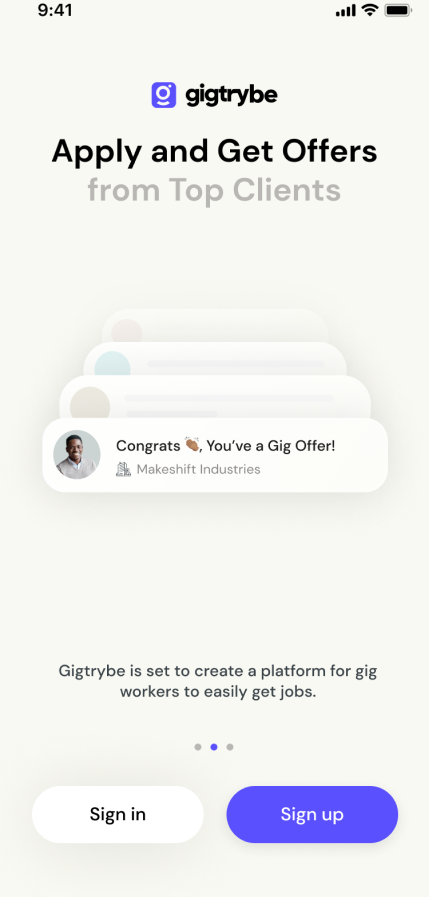
Wireframe to high-fidelity comparison — from sketch to polished screens
Style Guide
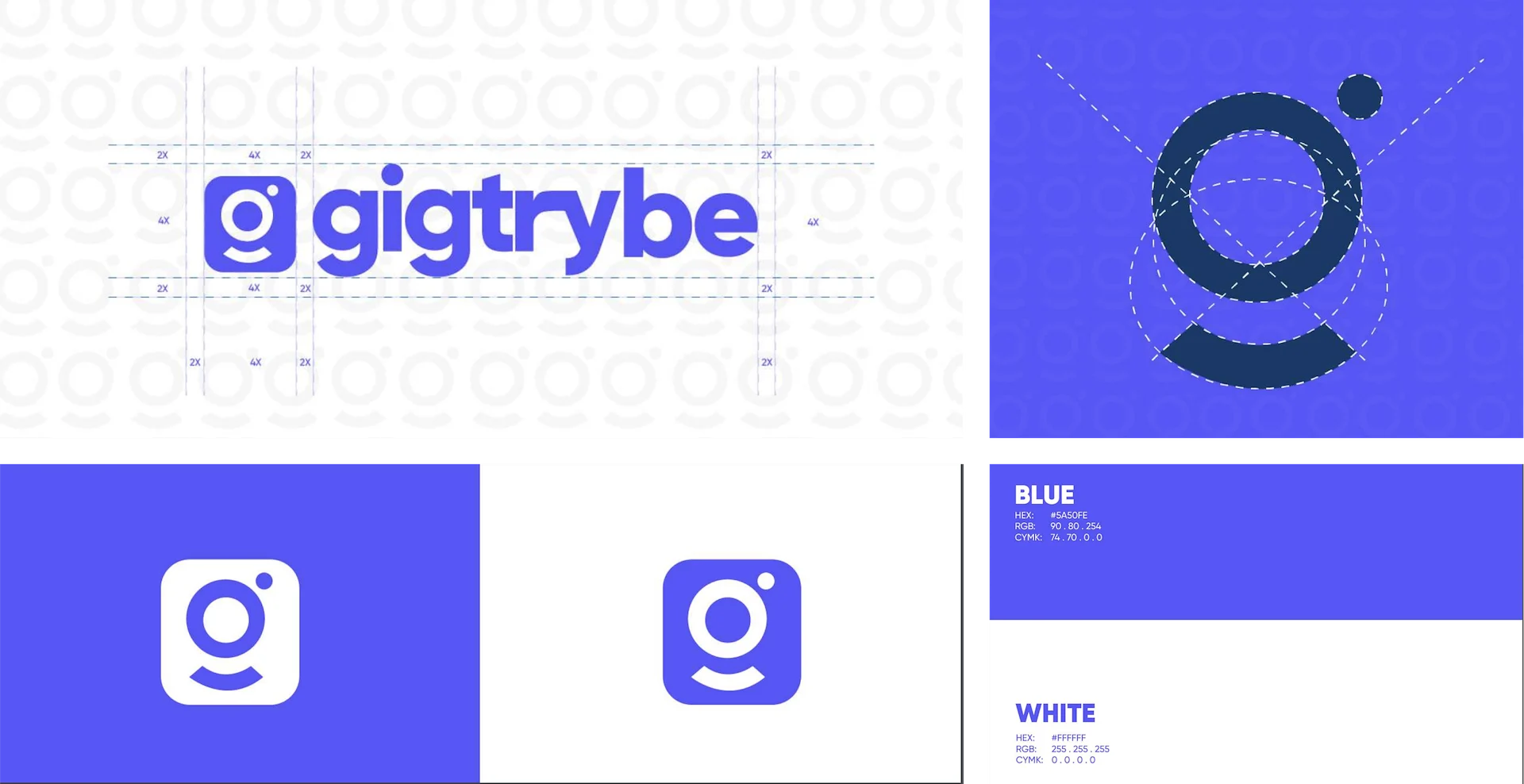
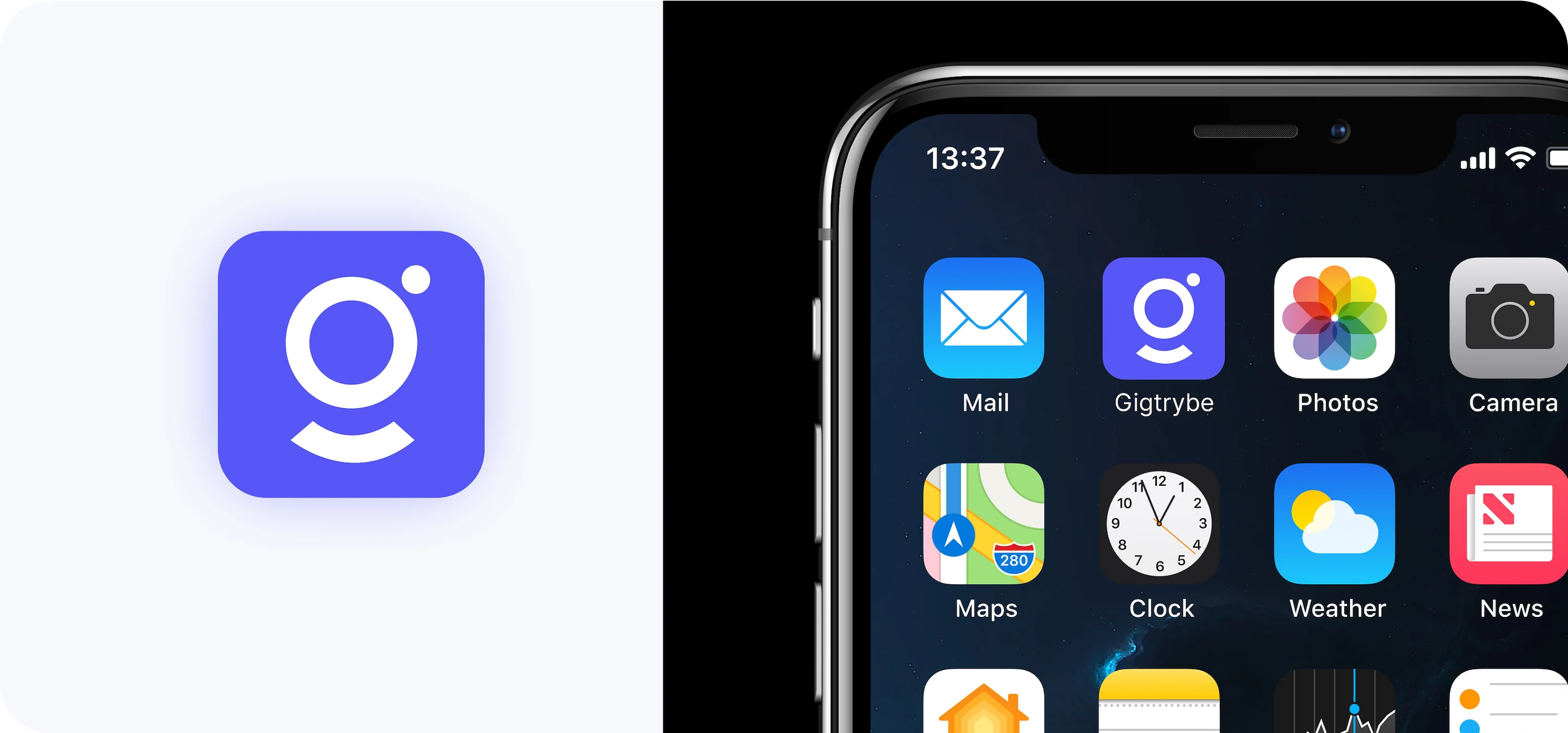
The Gigtrybe app styling typically consists of a collection of visual elements, color schemes, typography, UI components, and imagery that convey the desired look and feel of the app. This is mainly informed by the predefined company brand guidelines to ensure consistency across all products.
We used visual design tools and platforms like Pinterest, Dribble, Behance to create an actual moodboard by gathering and arranging visual elements that represent the desired app design aesthetic. The defined typography in this case DM Sans, color styles and components, Material design icons were attributed on the Figma board for easy usage and to ensure consistency.
High Fidelity Designs
User Onboarding — Account Registration
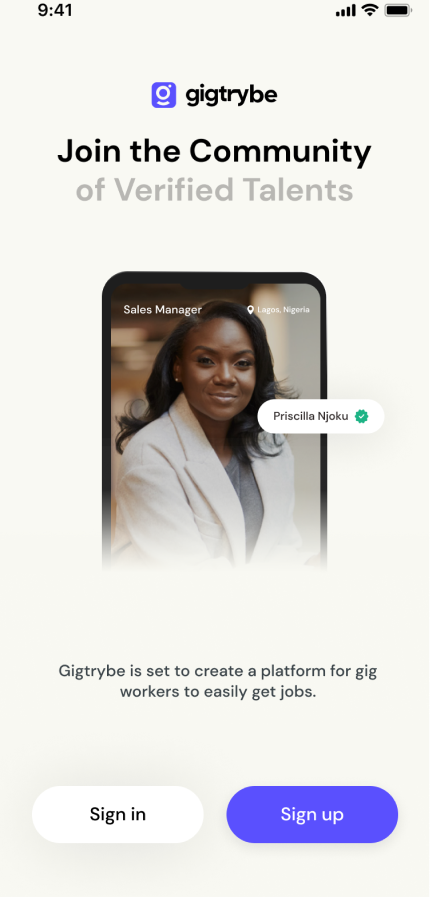
We simplified the registration process, allowing users to create an account using email address. Users interact with the splash screen, the 3 onboarding screens and then move to the account creation process. it is very vital that this flow is very simple and straightforward to prevent dropoffs during onboarding and increase user retention. User provides a valid email address and sets a strong password; this initiates the process. As soon as a user validates their email address a gigtrybe account is created.
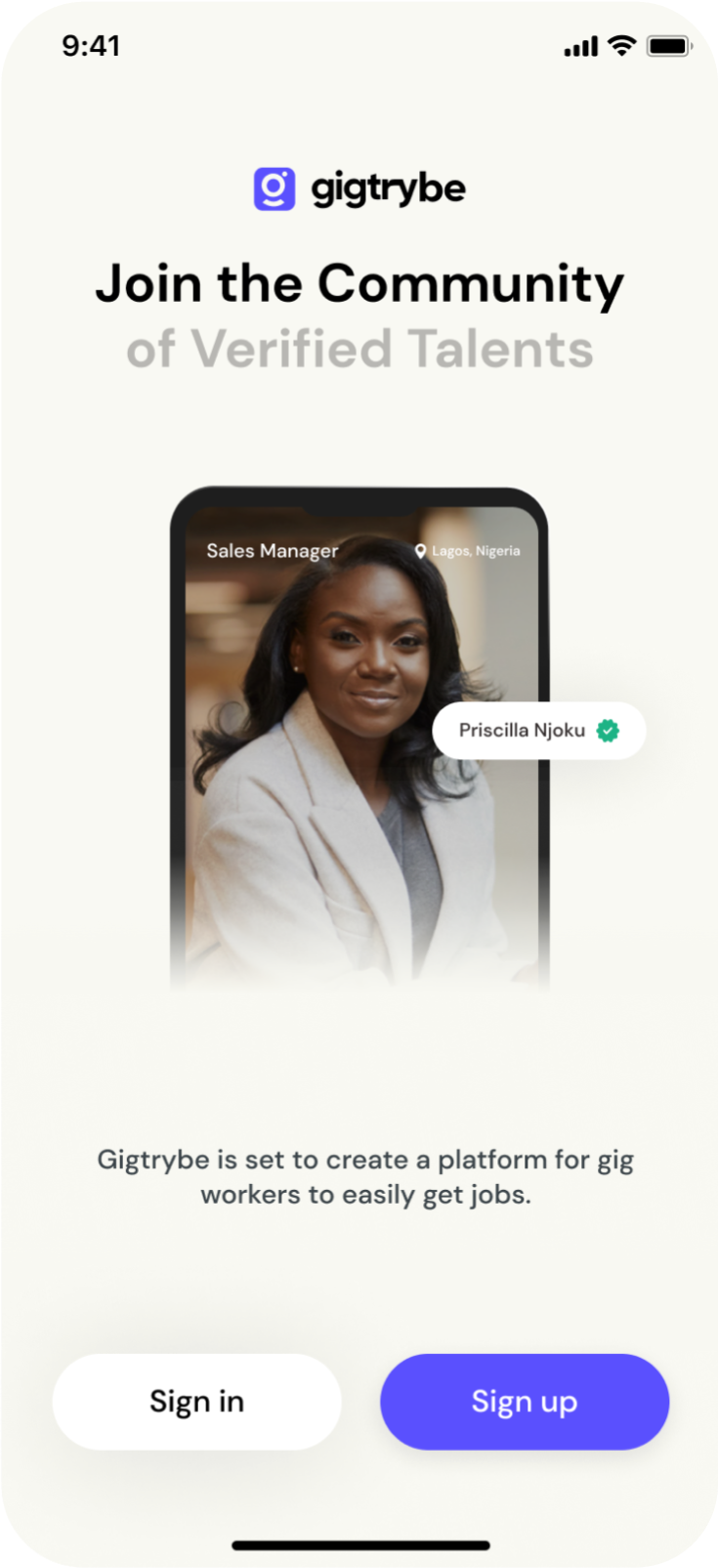
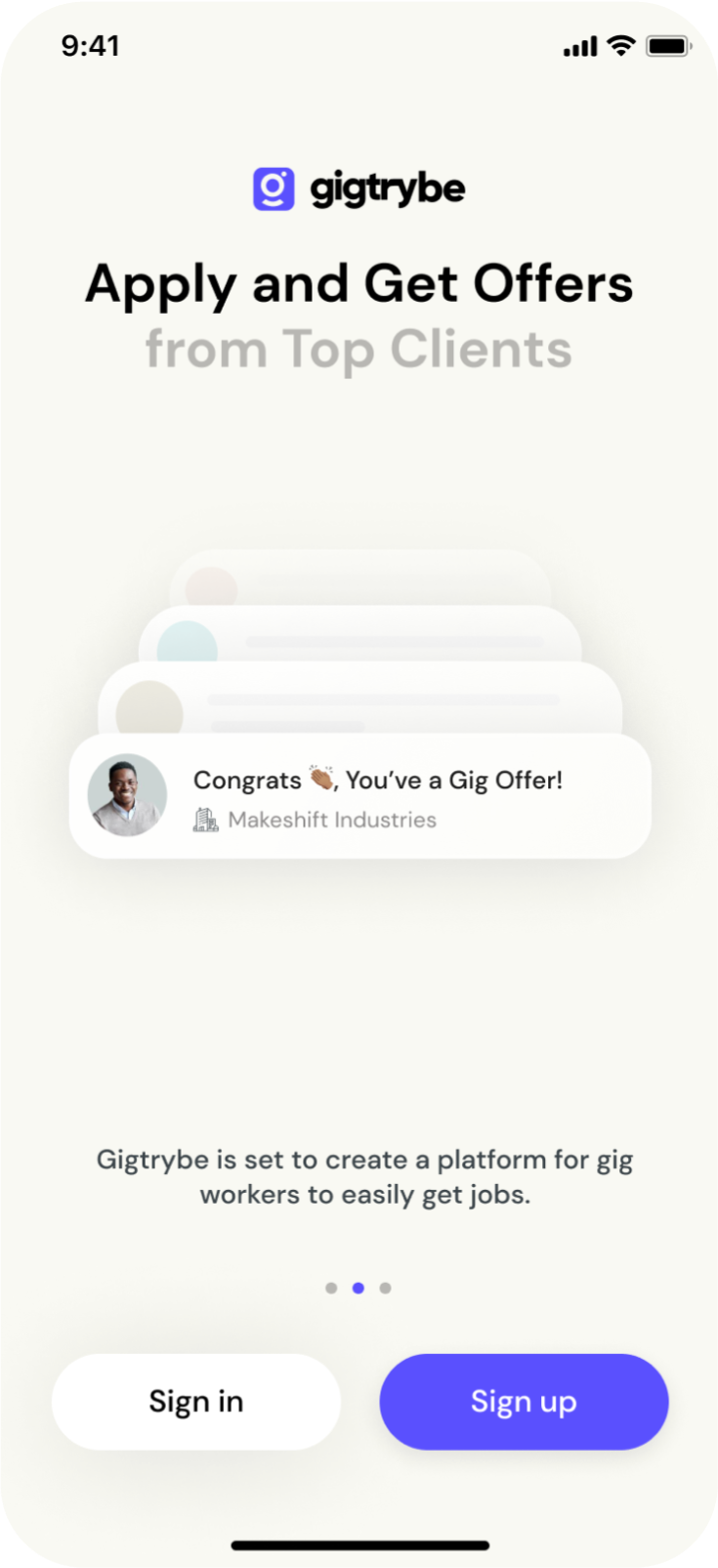
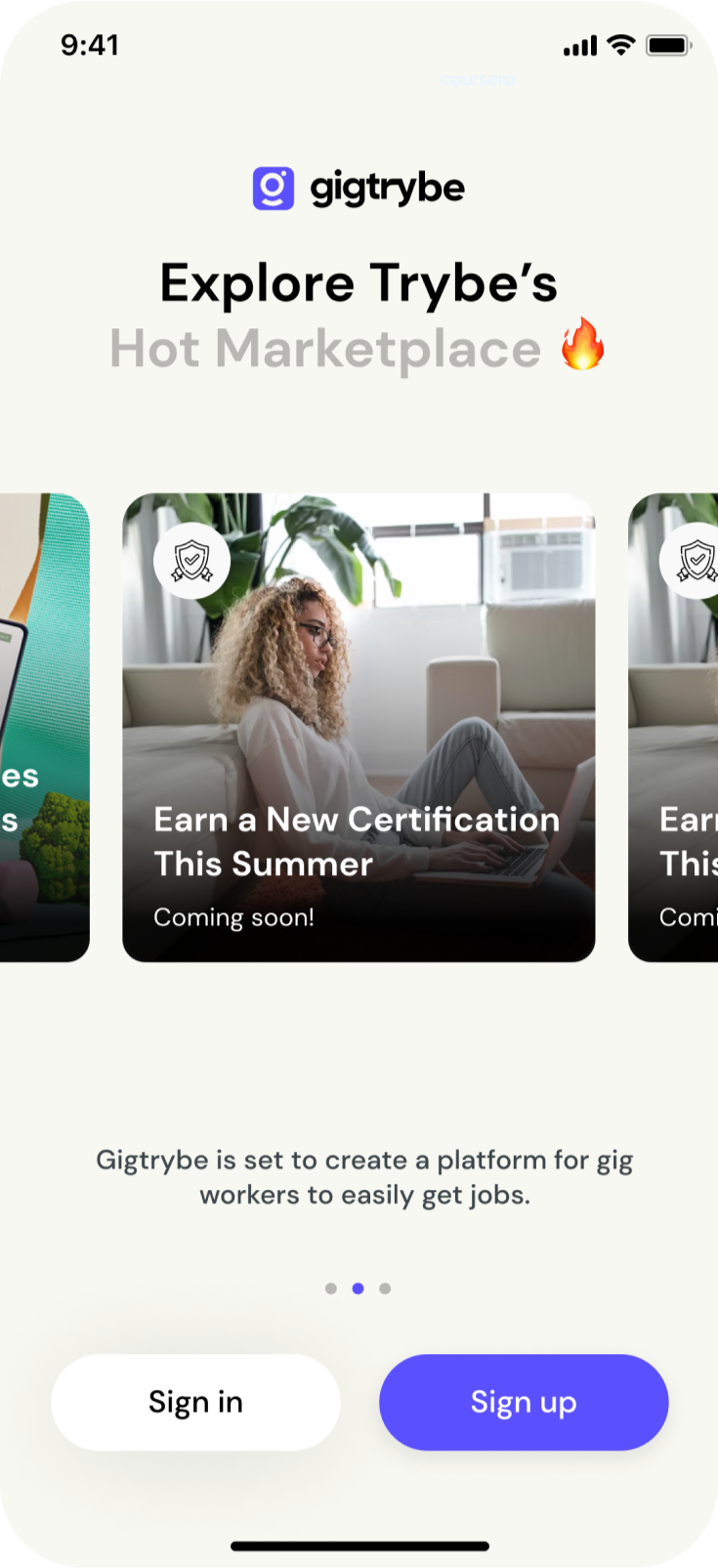
Splash screen, onboarding flow, and account registration screens
Identity Verification
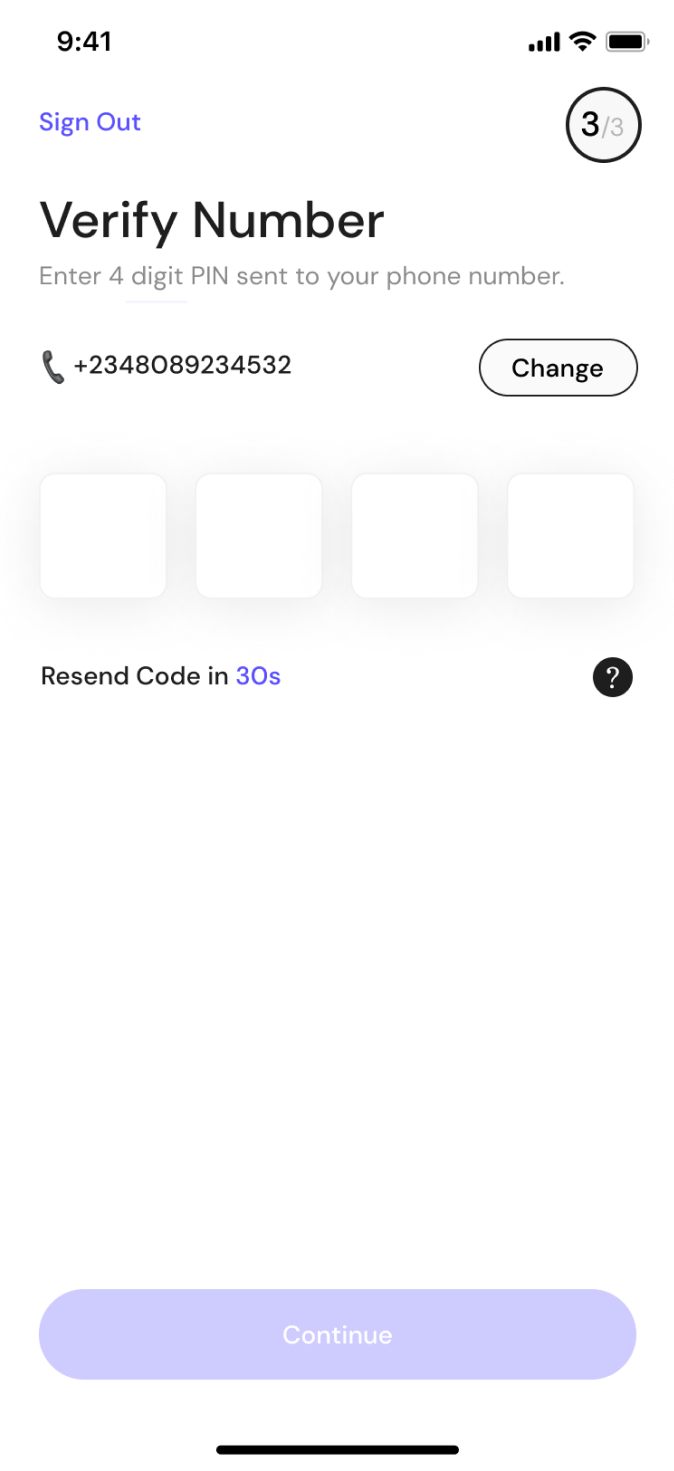
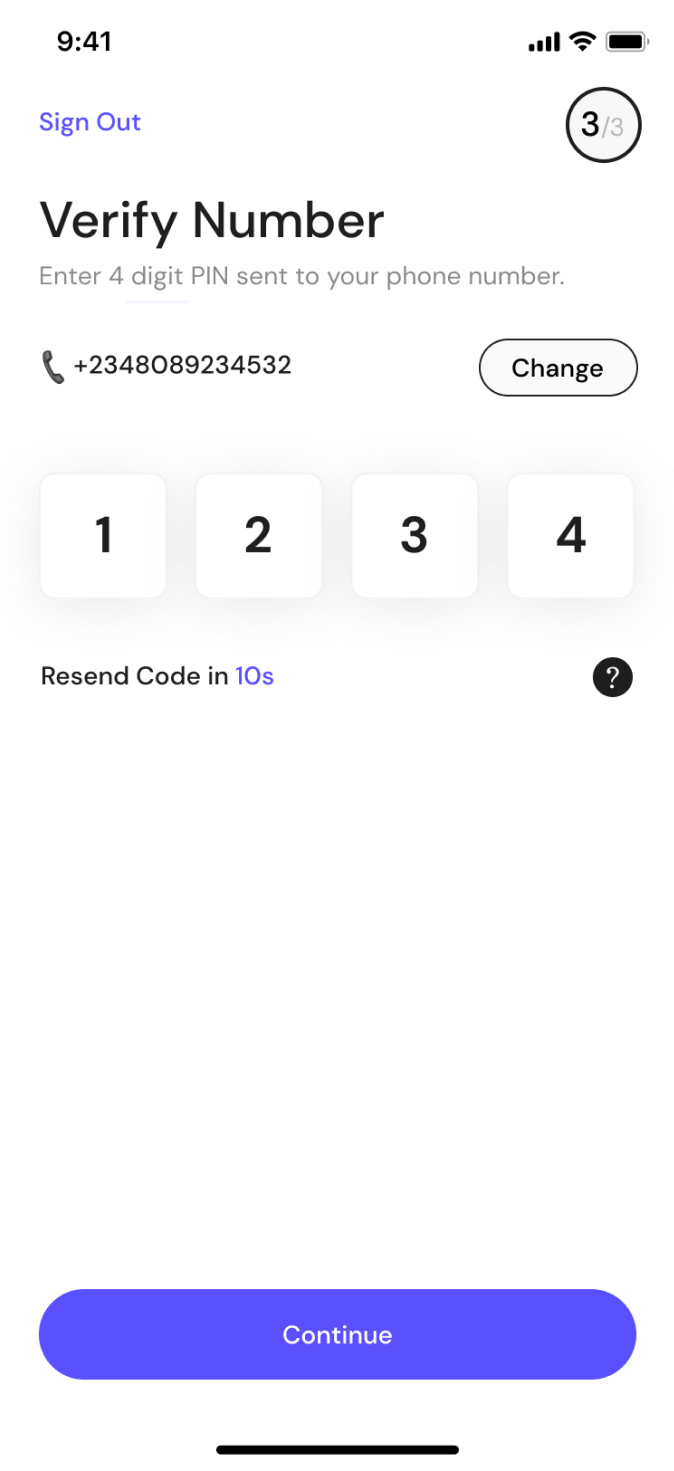
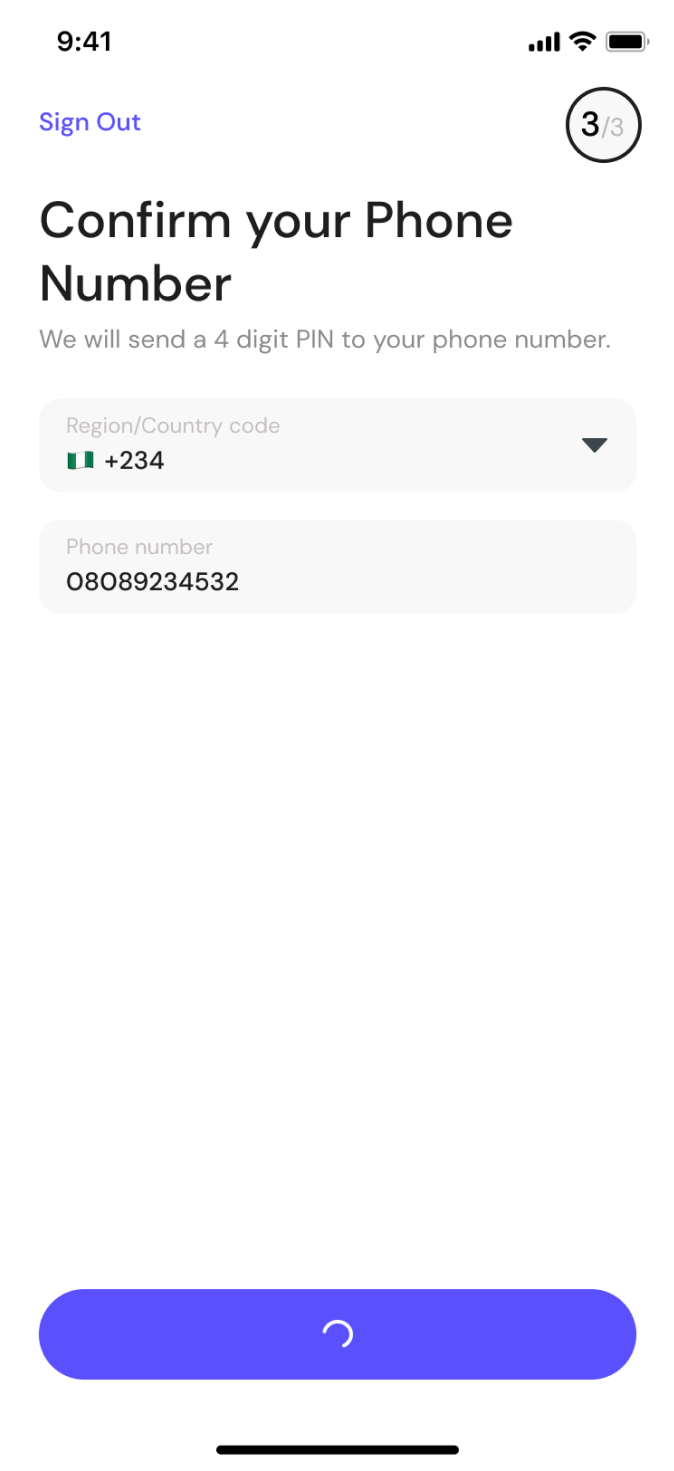
Once a user enters the app, they get a full overview of their profile creation set up and Identity verification. These are outlined and communicated in a way that it's intuitive and can be easily processed by users. Real time verifications of freelancers identity to foster a verified pool of talents Gigtrybe is all about. Users will provide their government issued Identifications documents and take selfies. The UX for identity verification involves creating a seamless and secure process that allows users to verify their identity while maintaining their trust and privacy.
I provided clear and concise instructions to guide users through the identity verification process, broke down the steps into manageable chunks and used visual cues to assist users in understanding what they need to do for the ID verification and Selfie verification. I also ensures users have visual feedback to indicate progress and completion of each verification step, clear error messages and instructions to help users resolve any issues or errors encountered during the verification process.
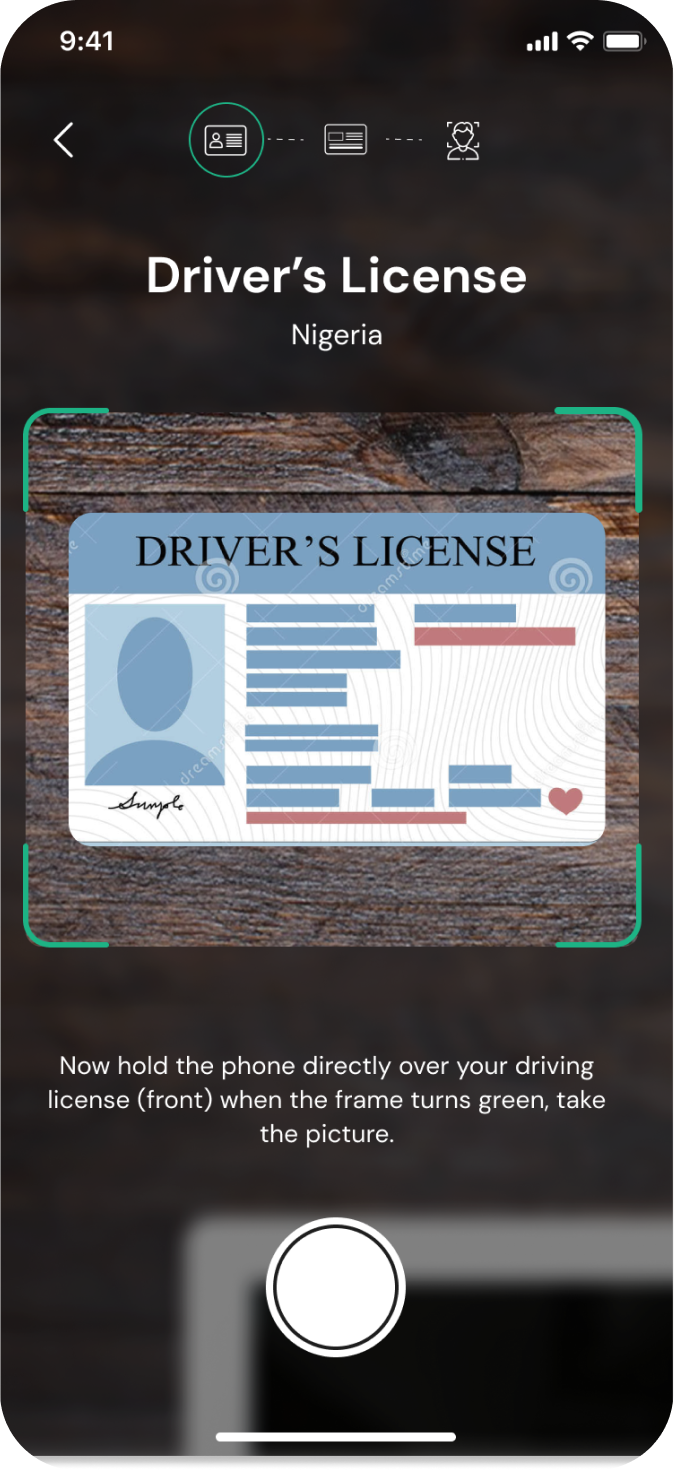
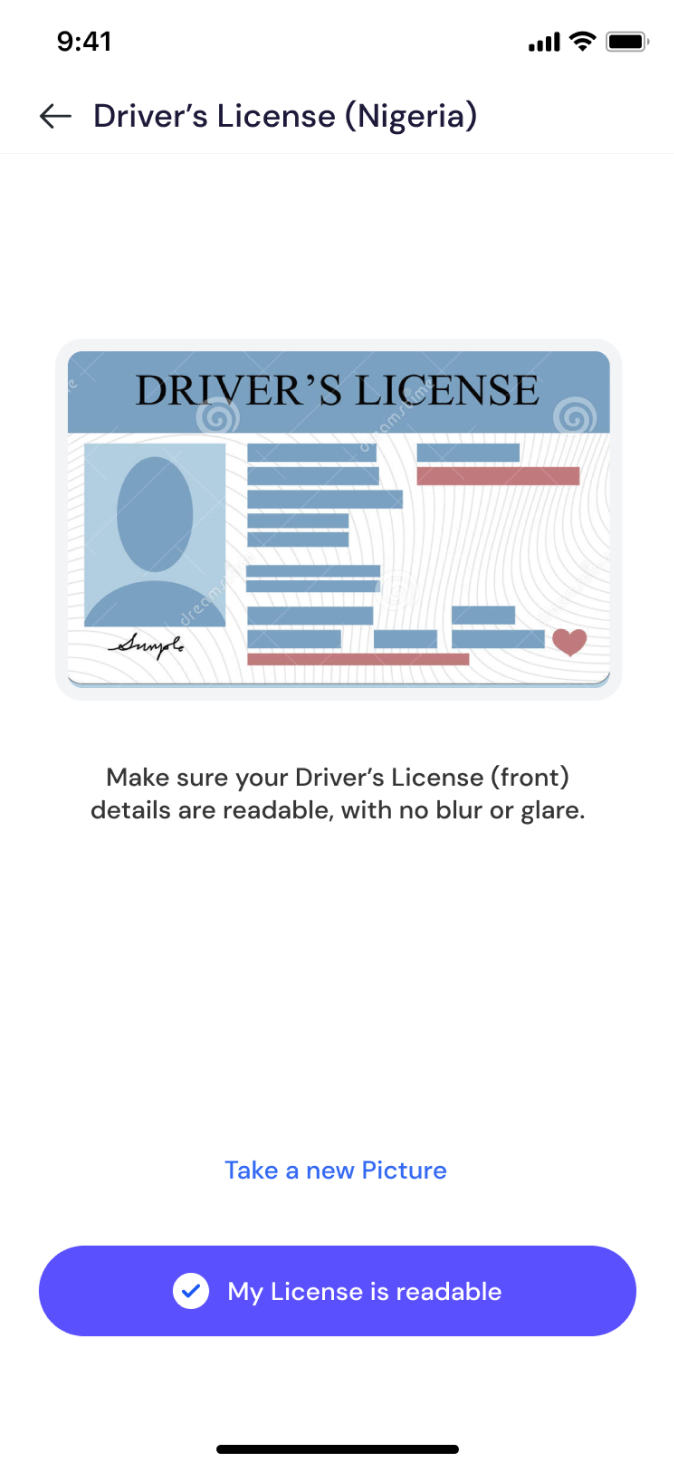
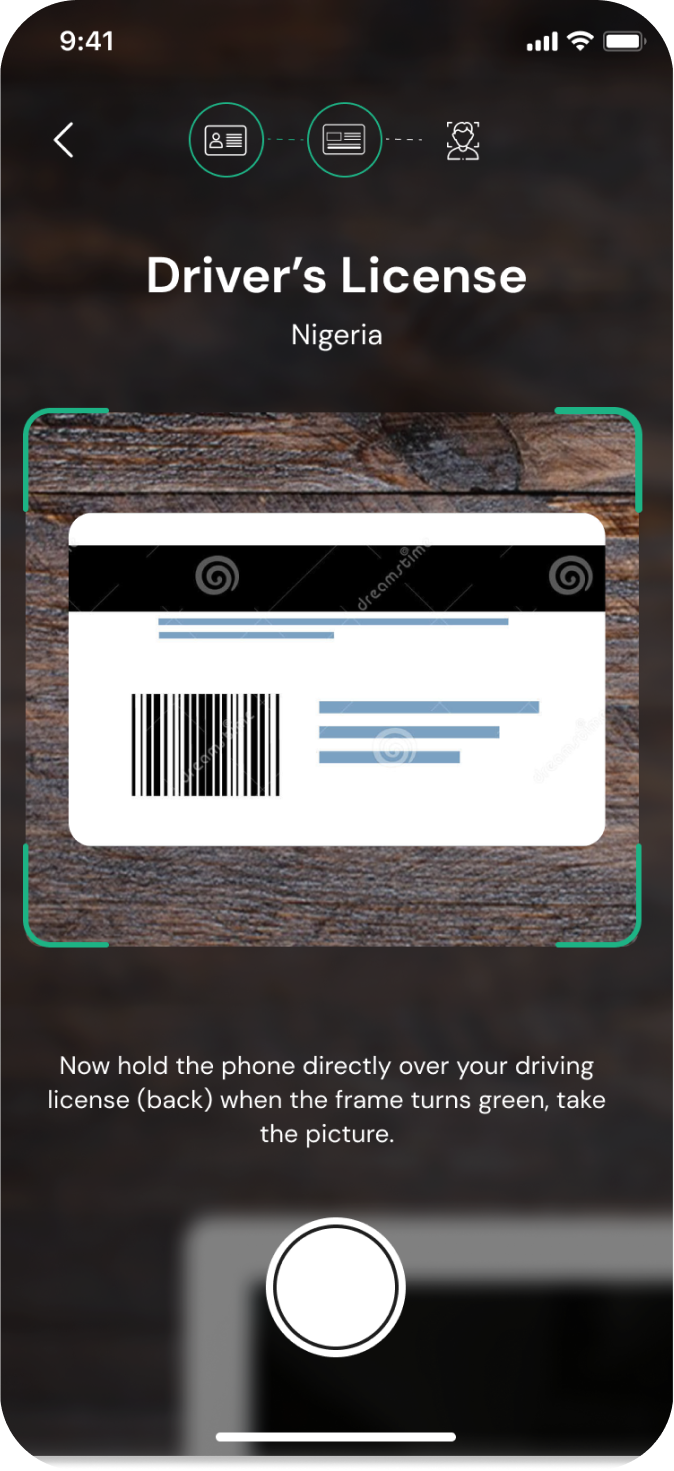
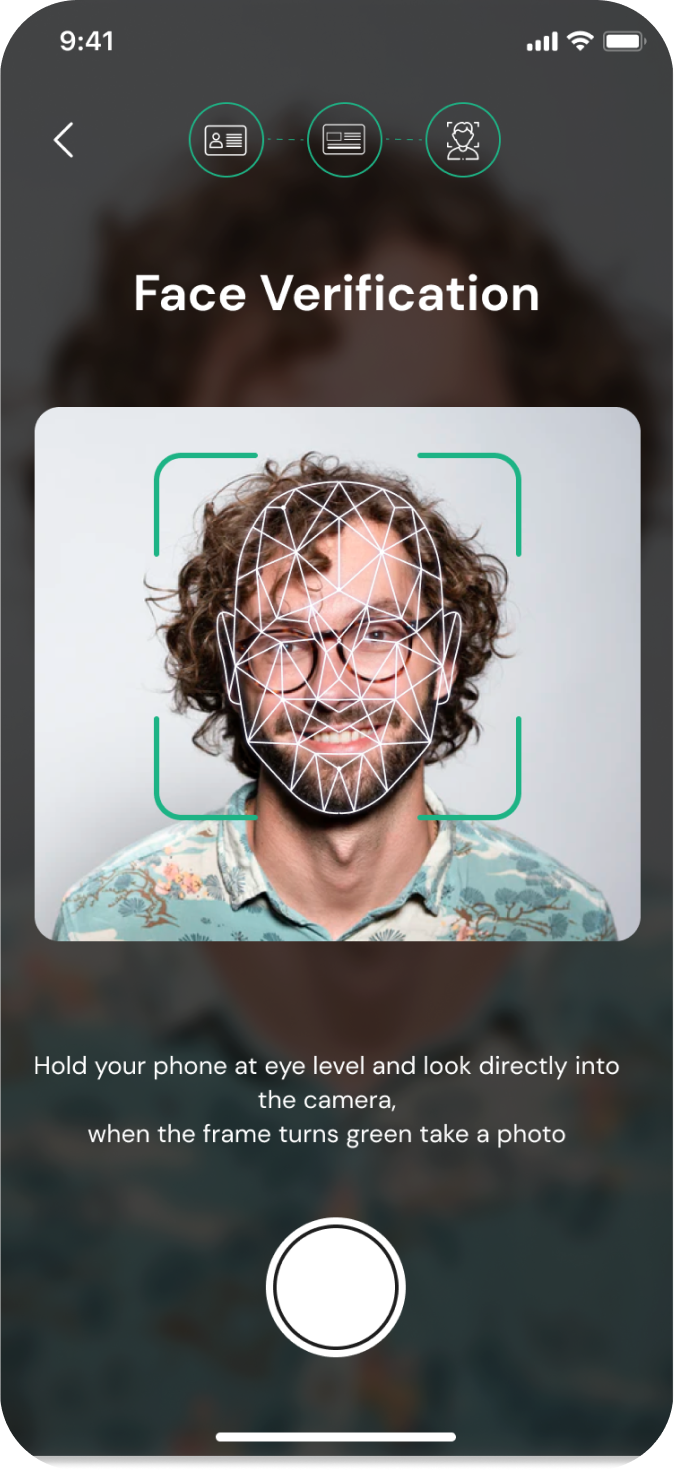
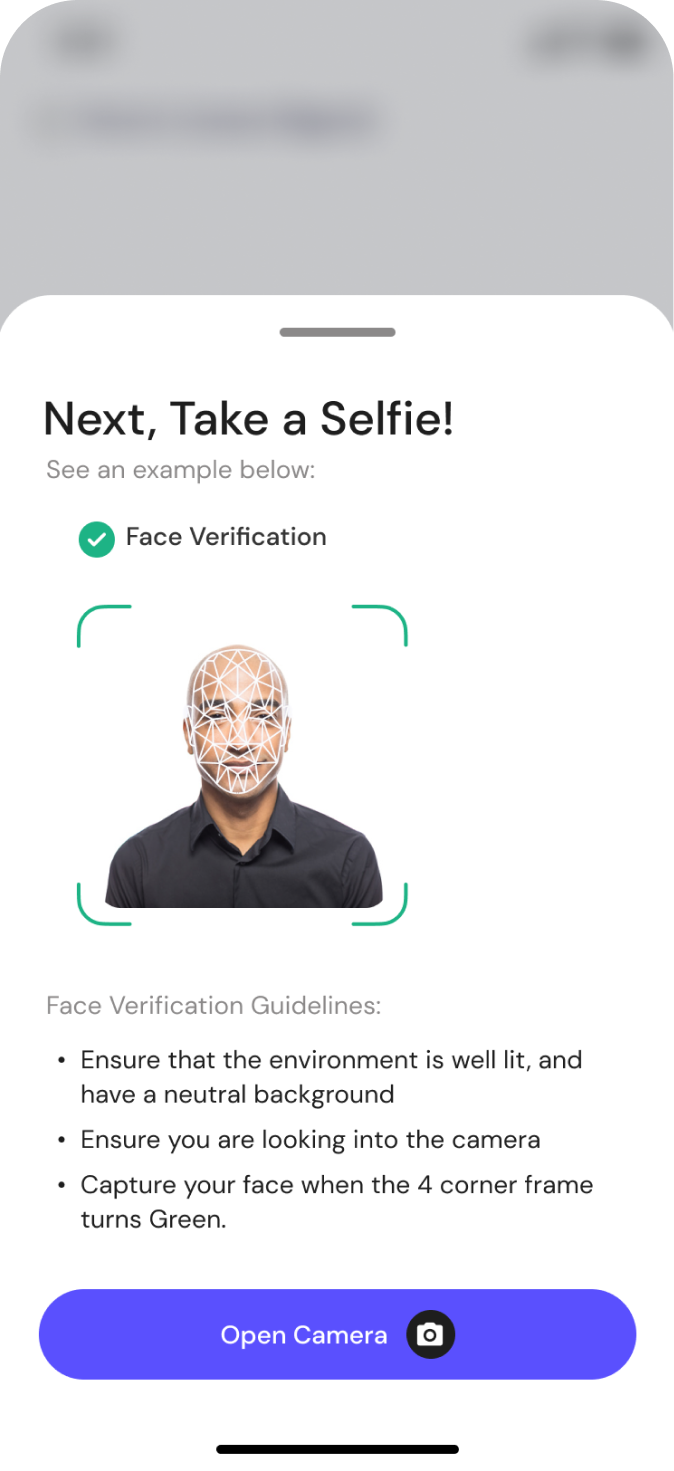
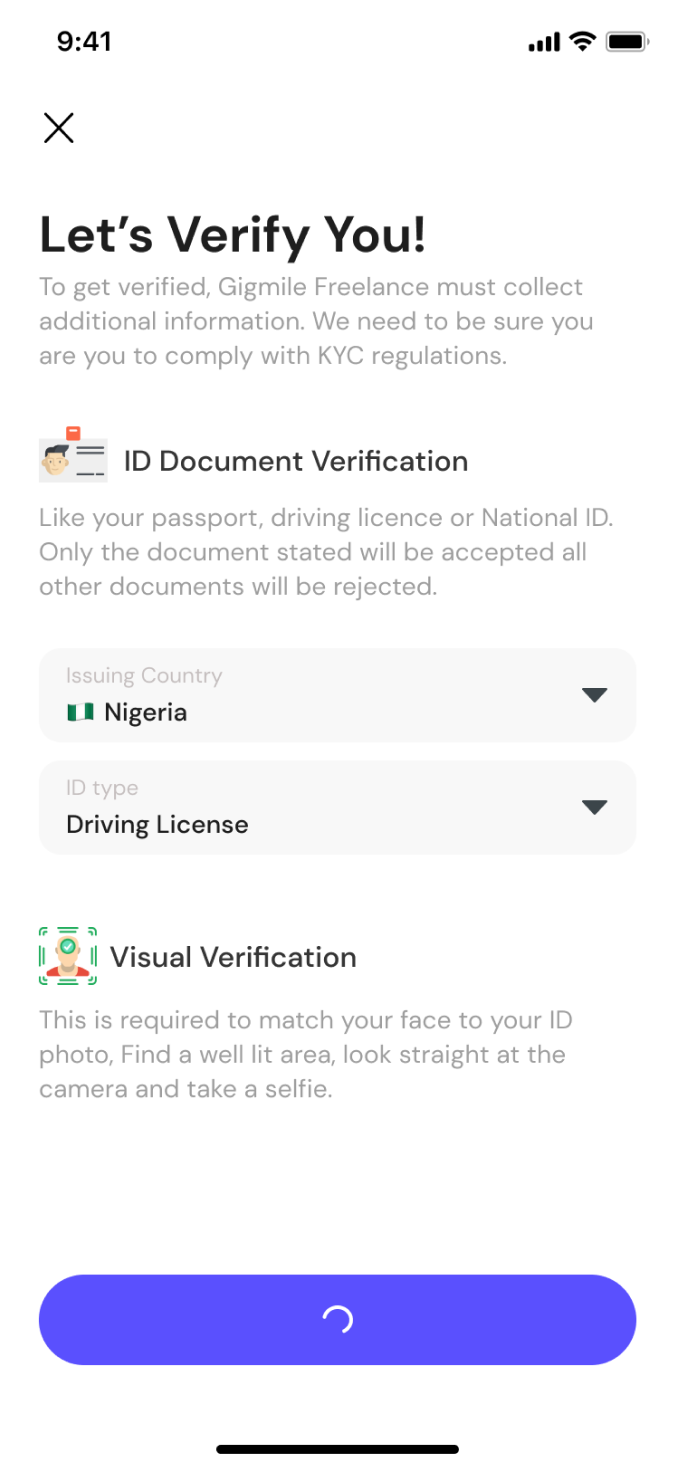
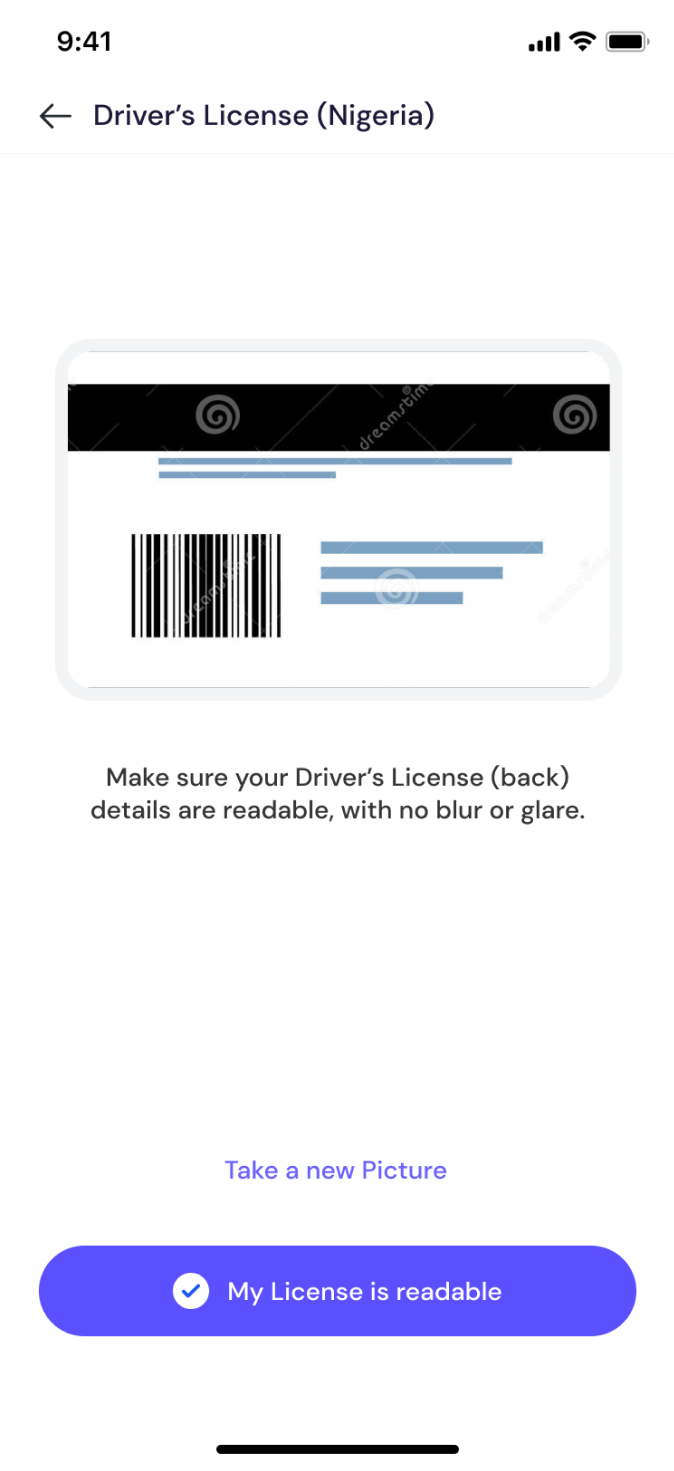
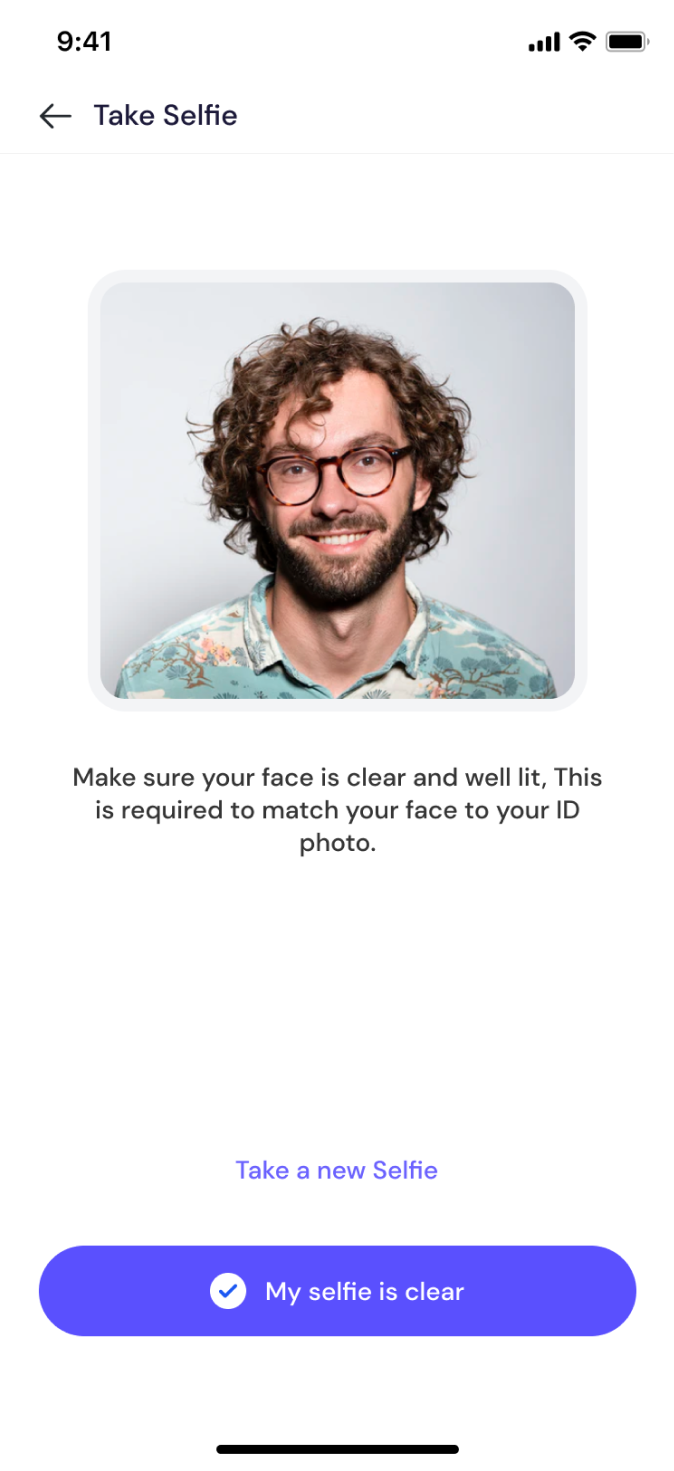
ID document upload, selfie verification, and progress indicators
Profile Creation and Portfolio
The portfolio enable freelancers to showcase their skills/expertise, experience, and preferences effectively. We provided intuitive forms and templates for freelancers to enter their details, including their expertise, previous work history, introductory video, education, and certifications. Most importantly ensuring freelancers upload and organize their portfolio items in a visually appealing manner and layout is a big priority.
I broke down the profile setups into chunks to ensure they are well tracked in terms of progress, a reasonable percentage is allocated to each steps: this serves as a progress indicator. All users are required to take certification tests, tests are prepared based on freelancer's services. Finally a user can decide to go live with their profile.
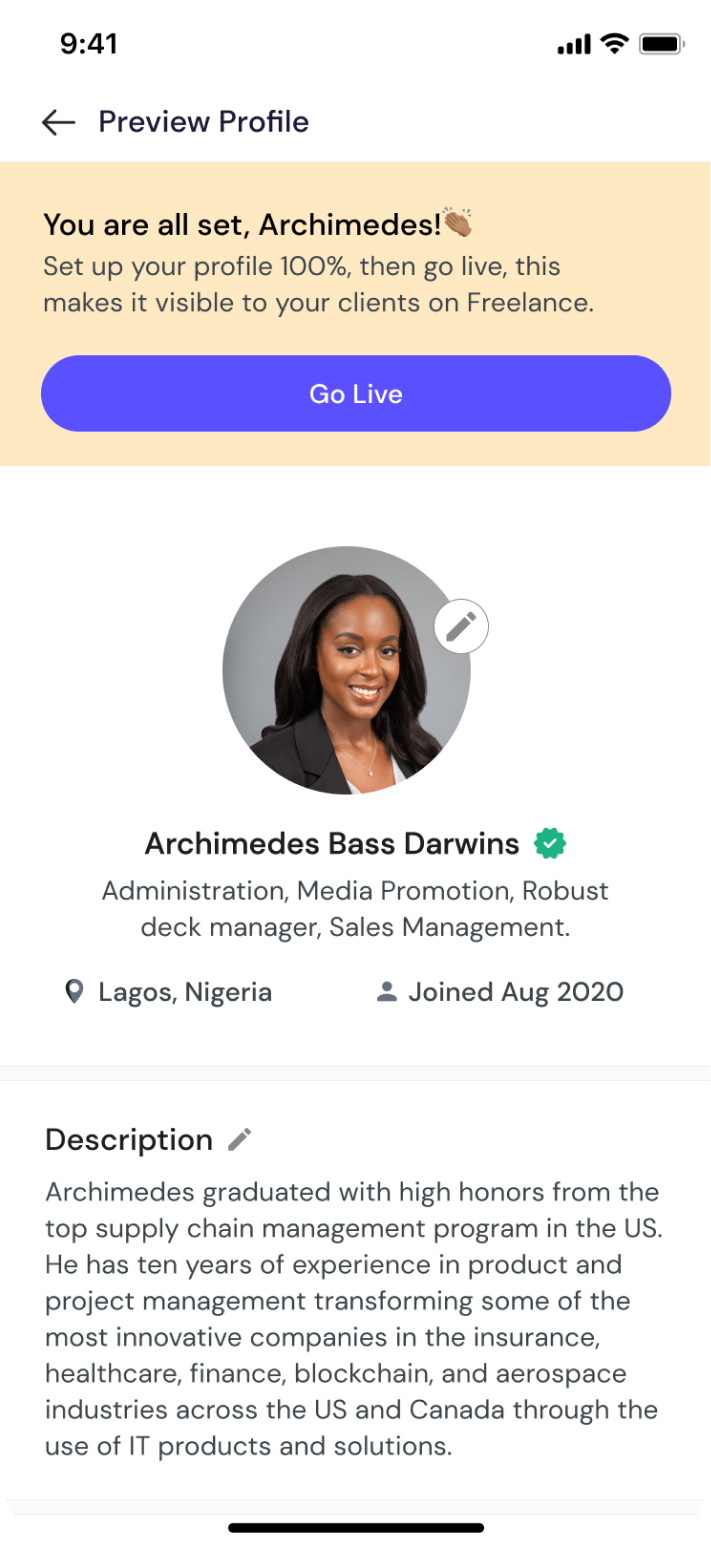
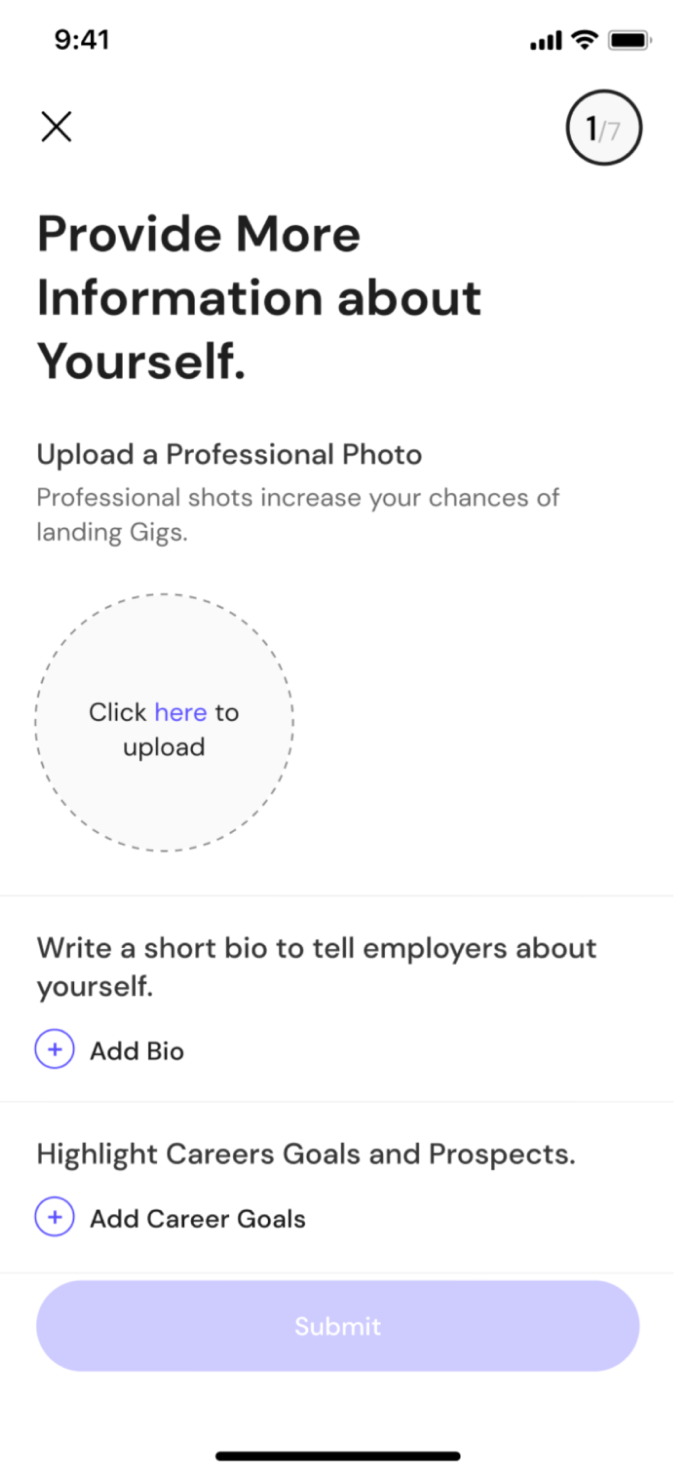
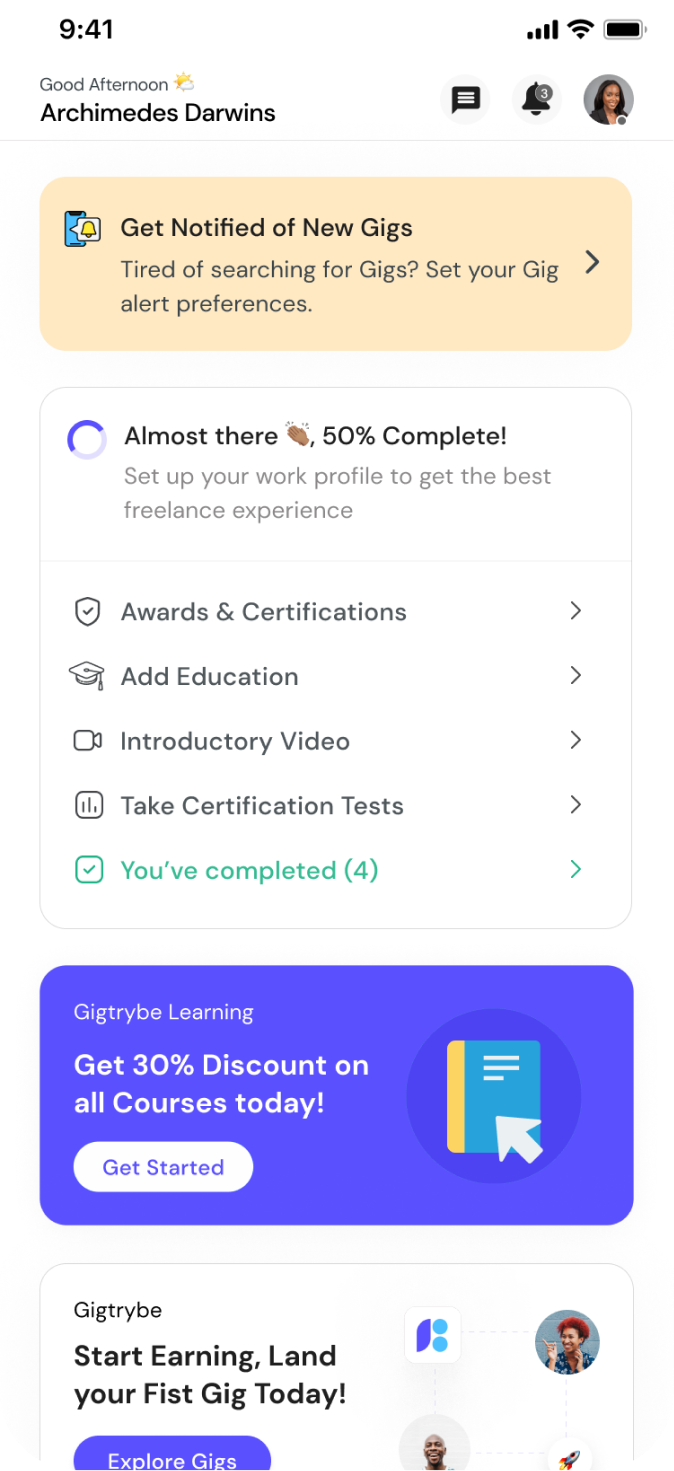
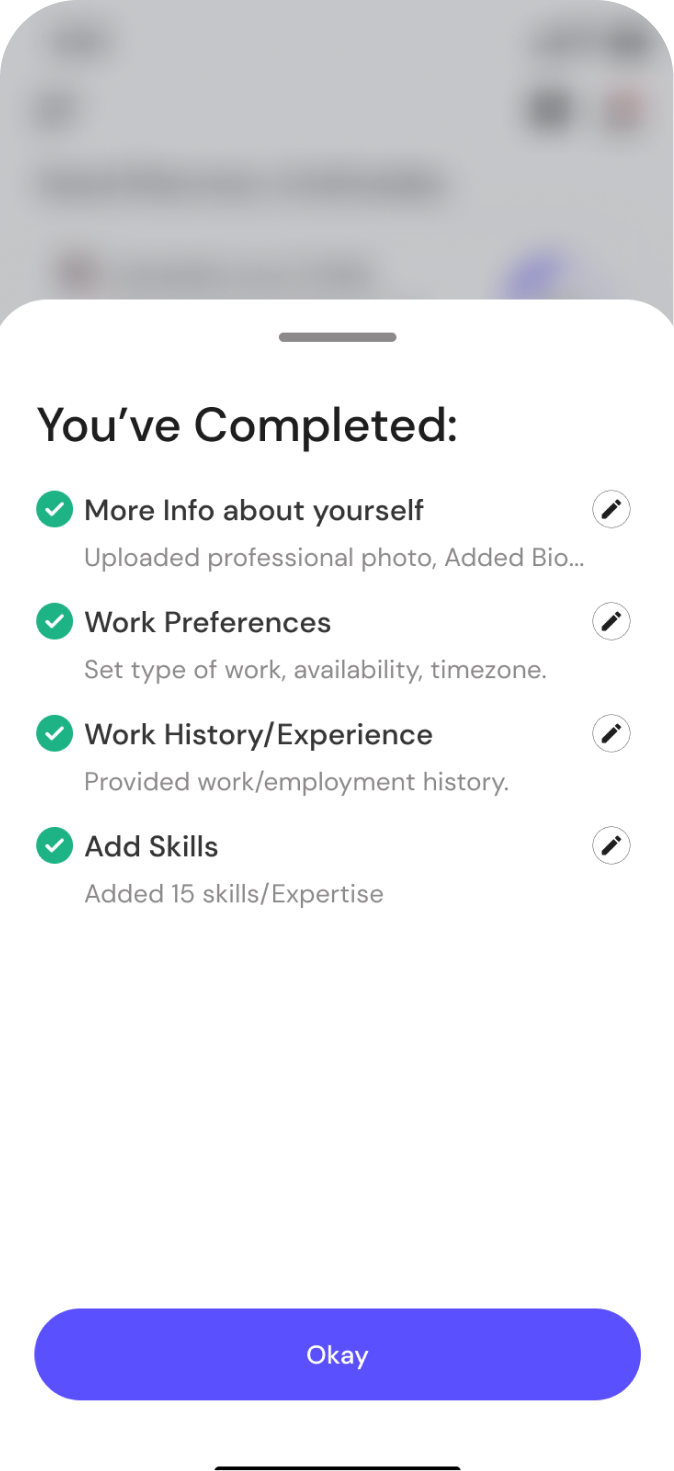
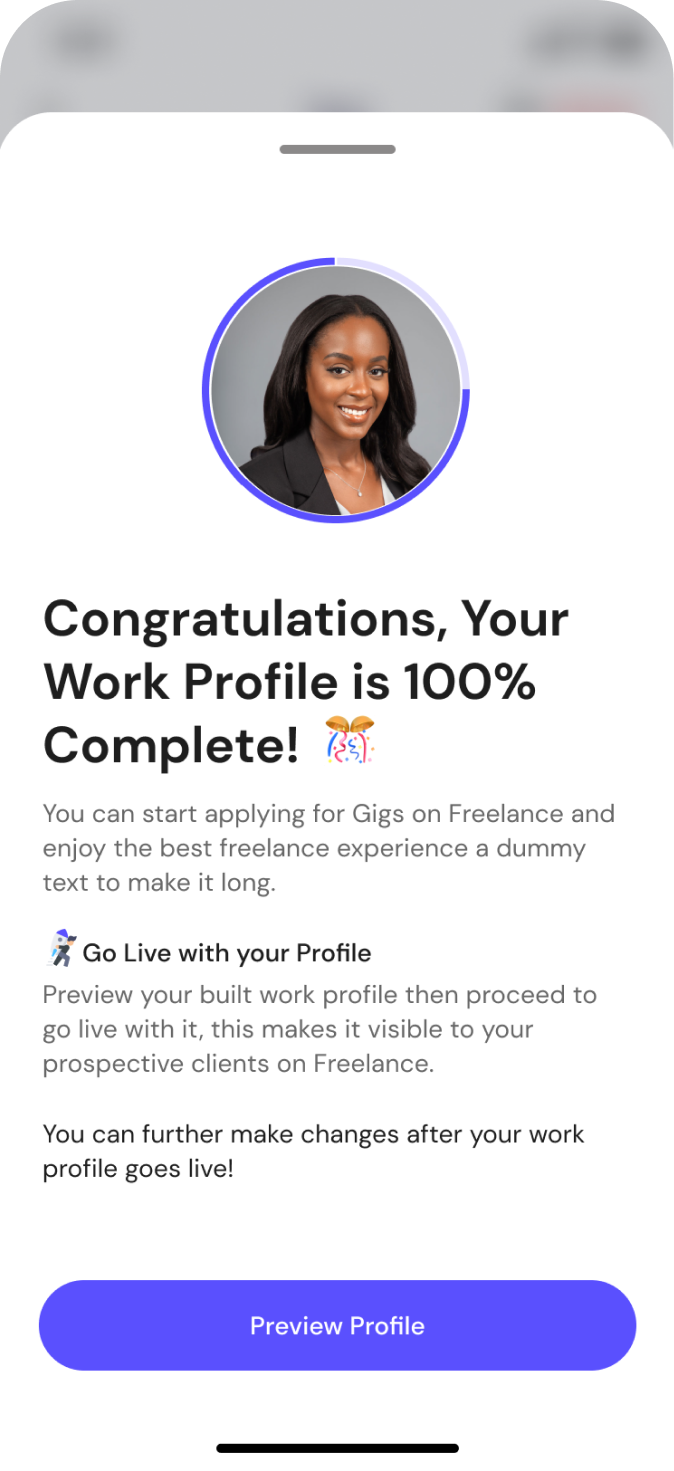
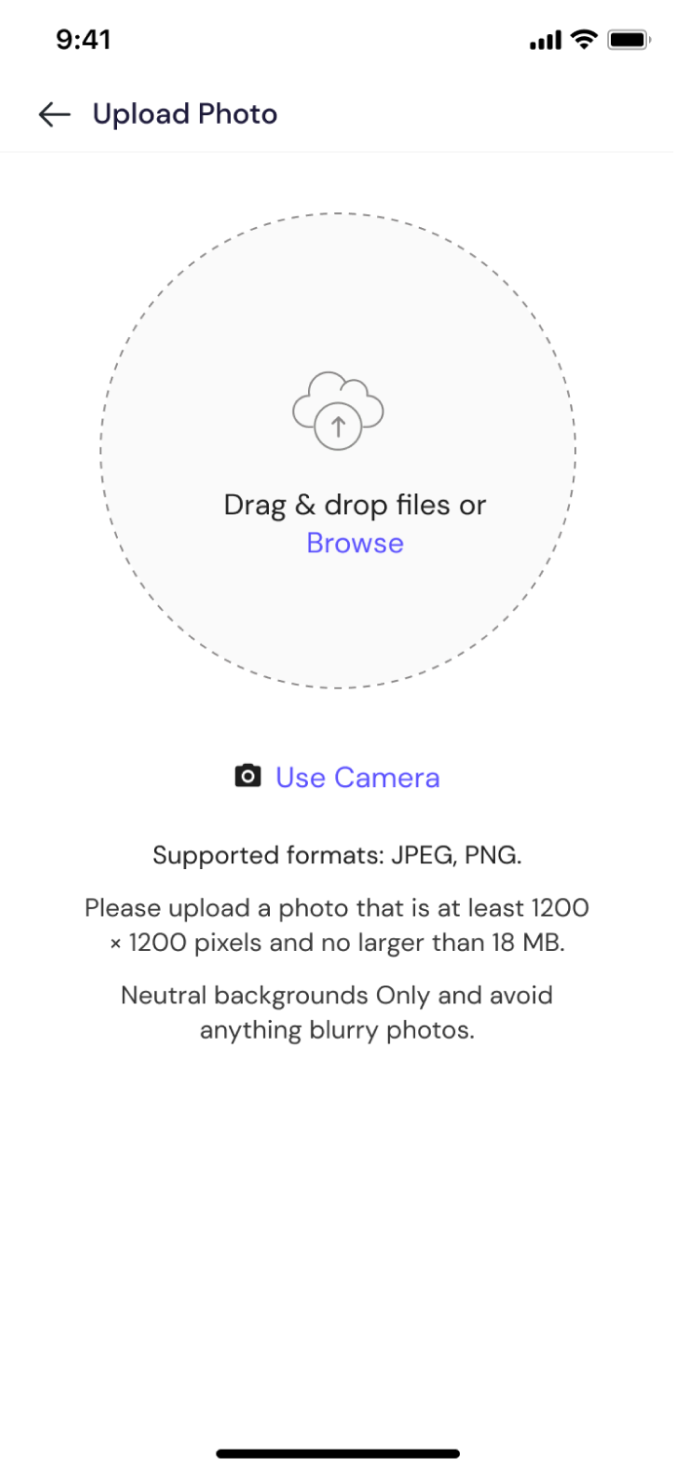
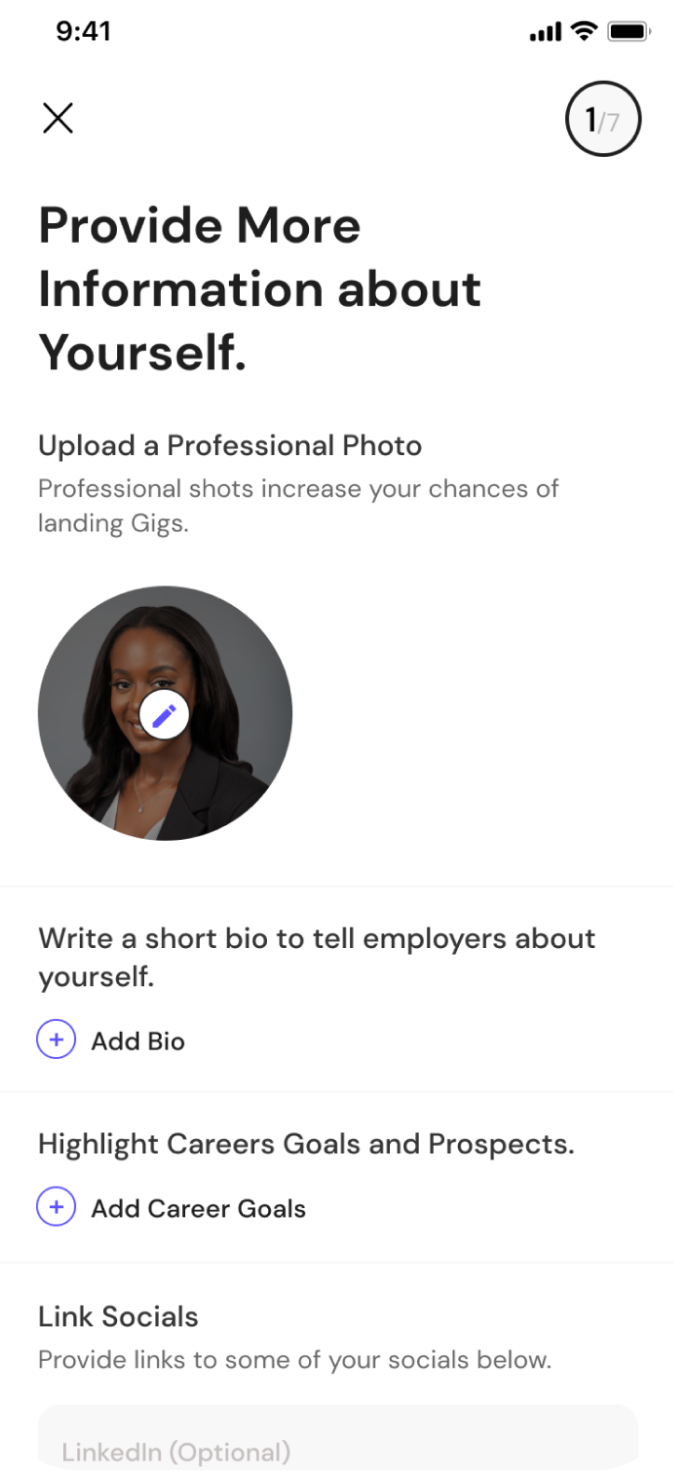
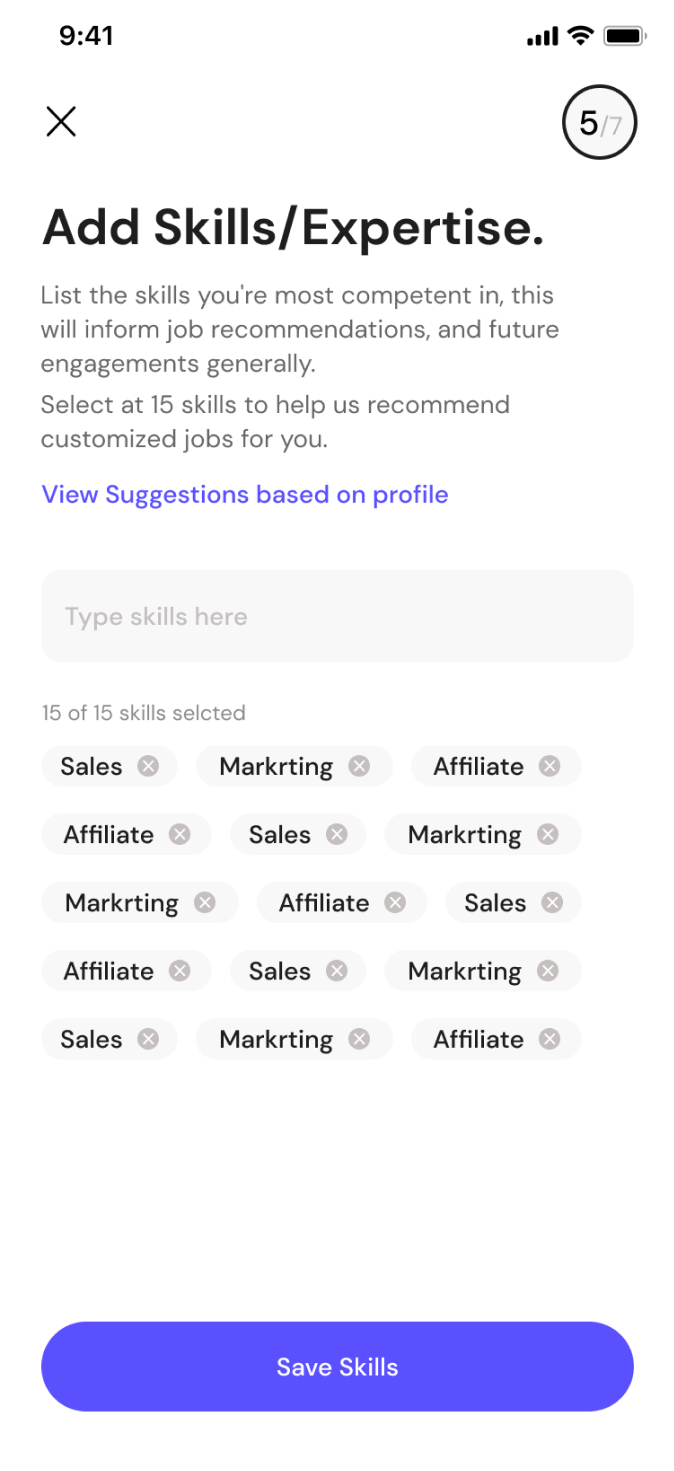
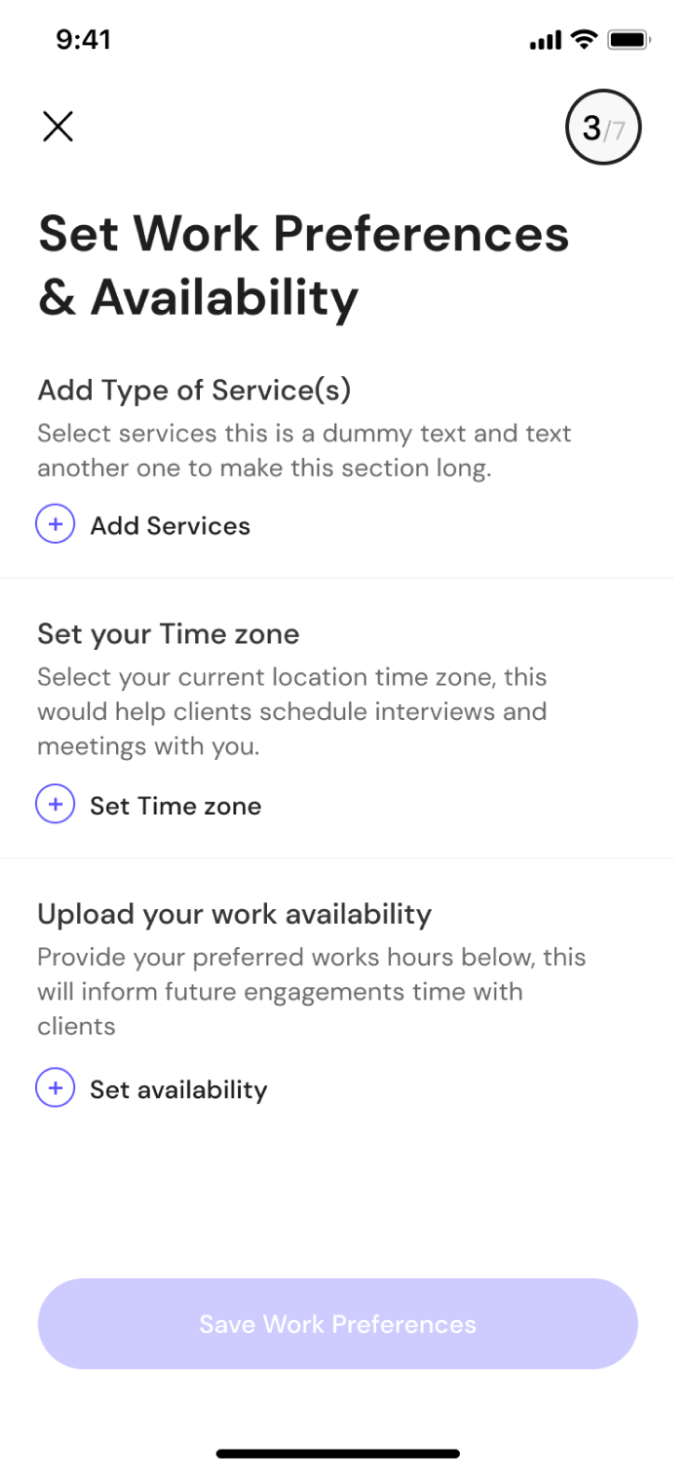
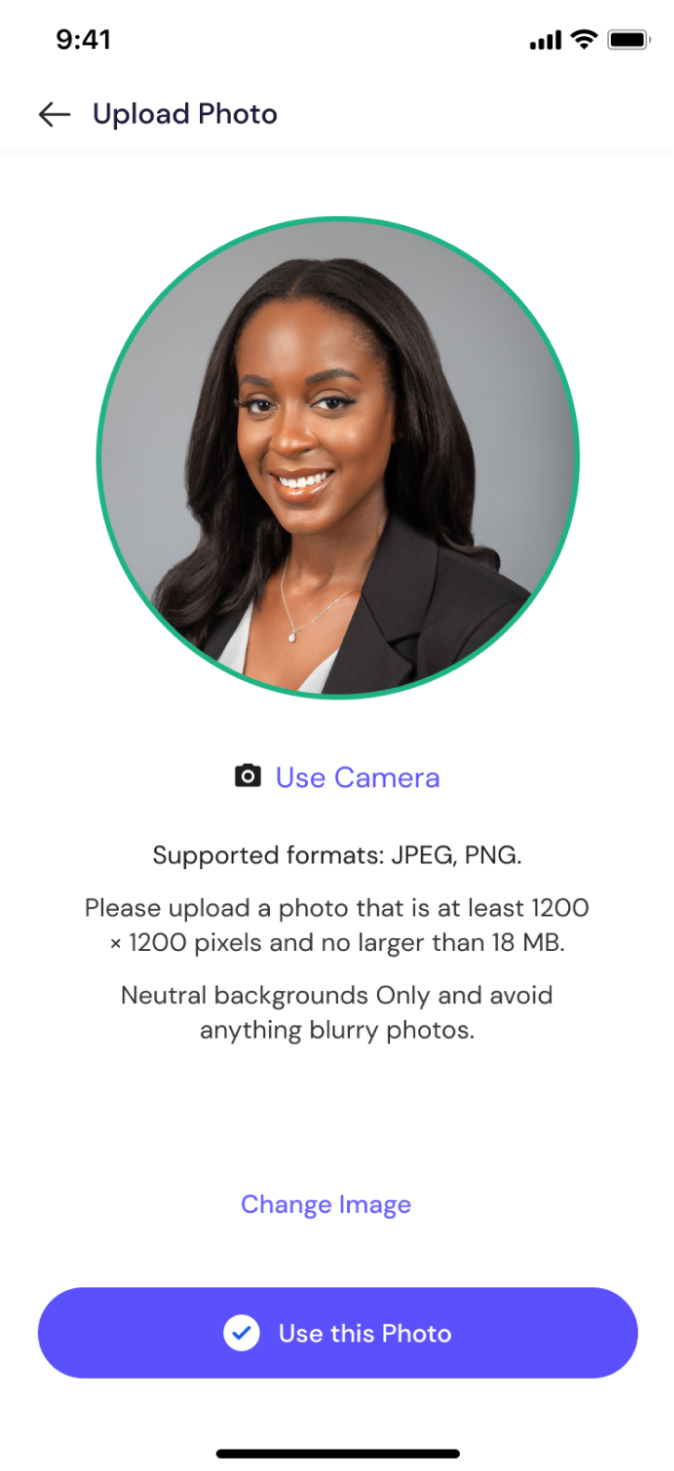
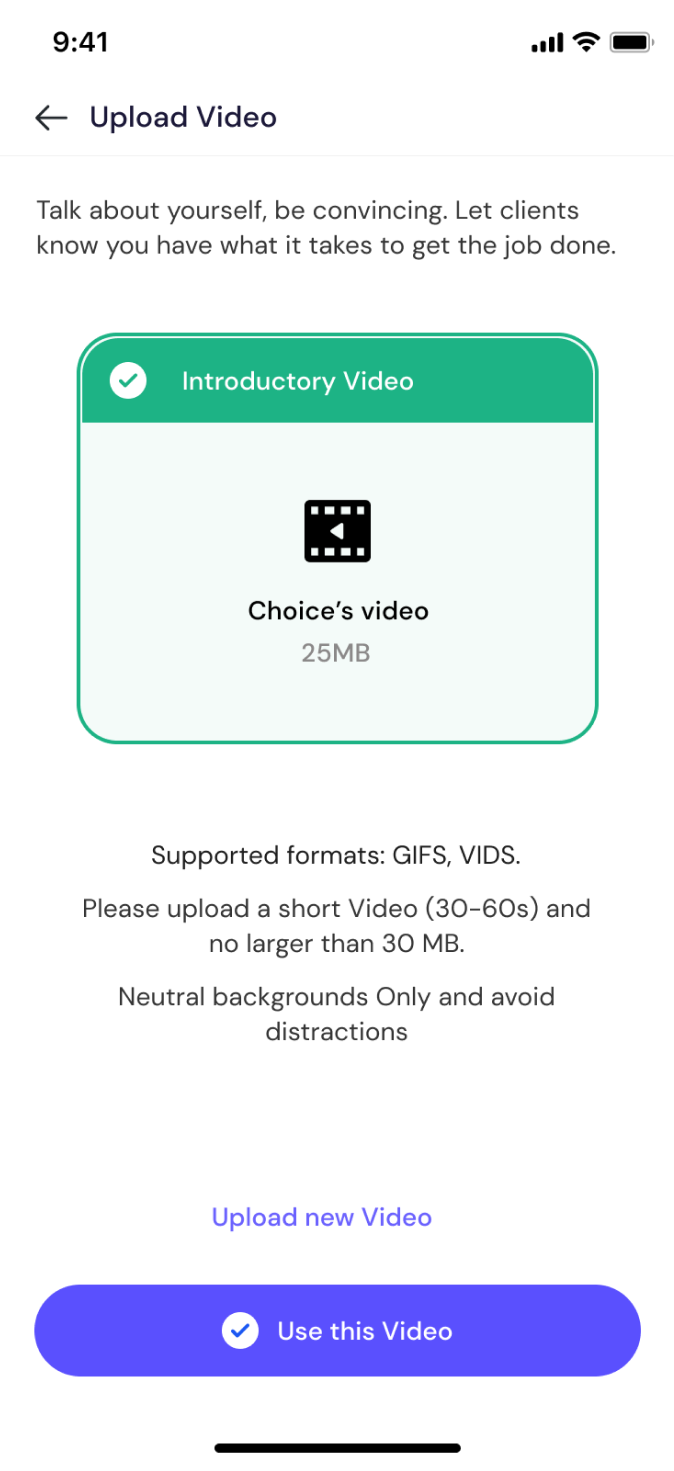
Skills setup, work history, portfolio upload, certification tests, and profile completion
Home, Set Gig Alerts
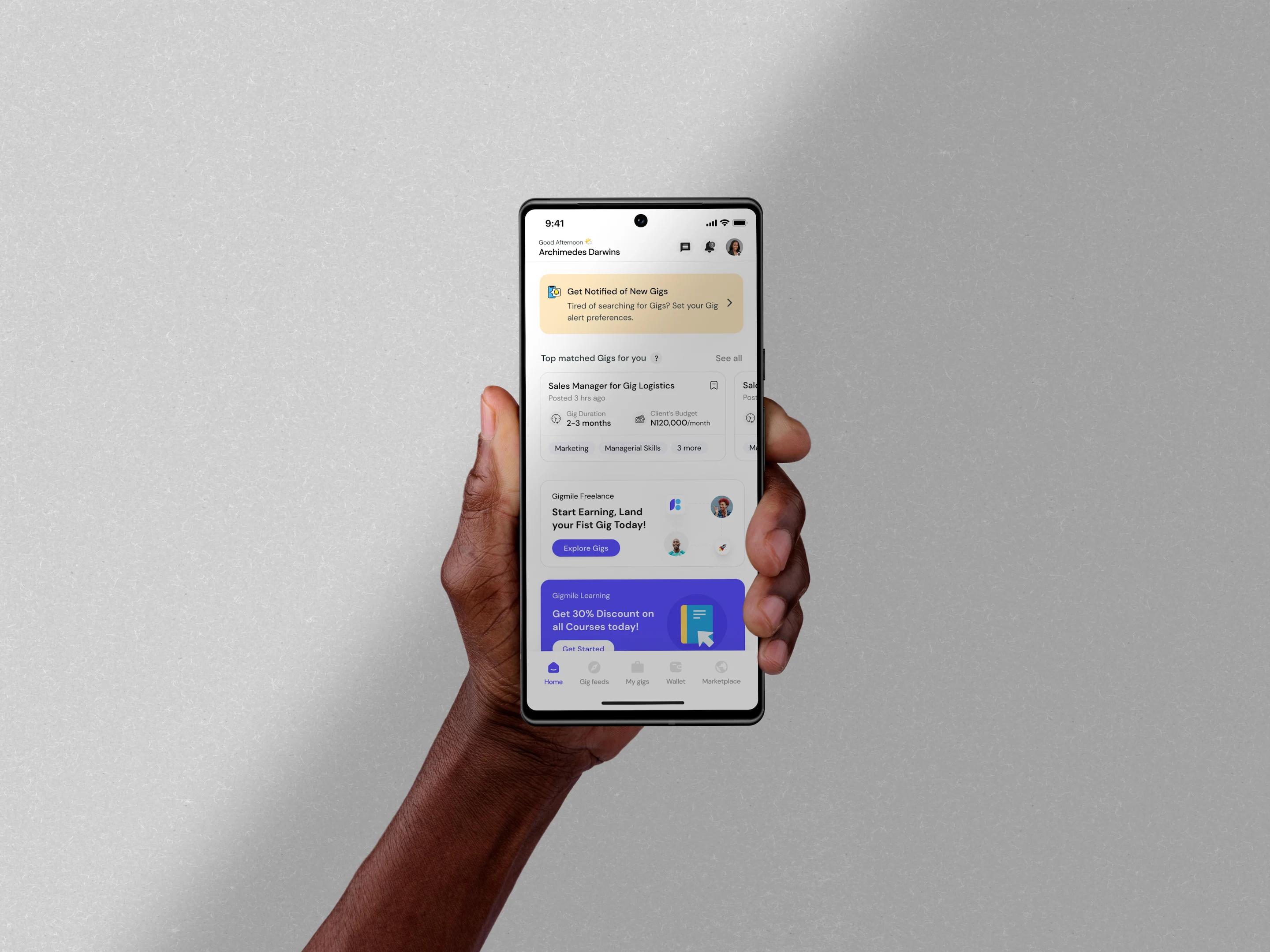
The home screen in the Gigtrybe app plays a crucial role in providing users with a convenient and engaging platform for finding freelance opportunities and managing their work. An easily accessible bottom navigation menu to allow users to navigate to different sections of the app, personalized content on the home screen based on the user's preferences, skills, relevant job recommendations, interview schedules or recent activity to provide users with tailored and meaningful information.
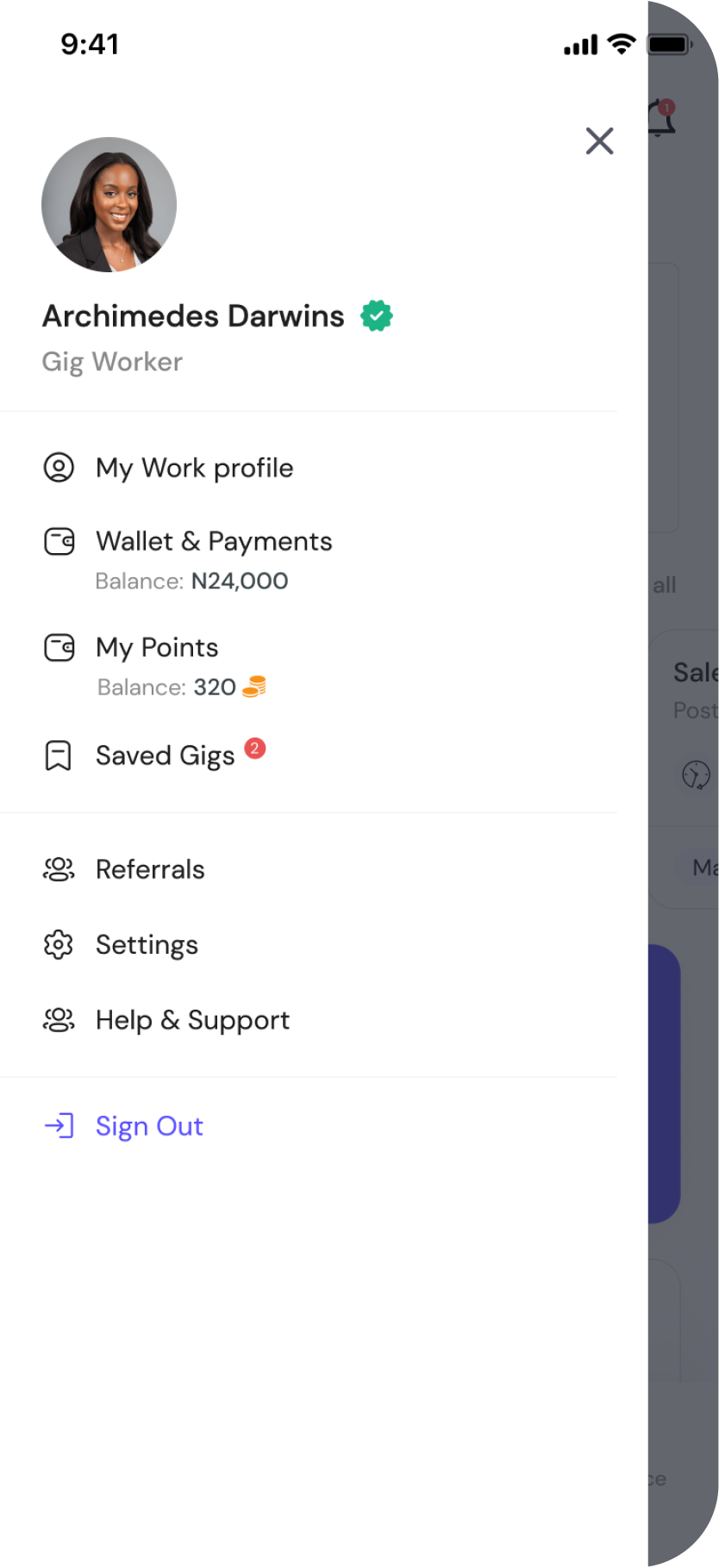
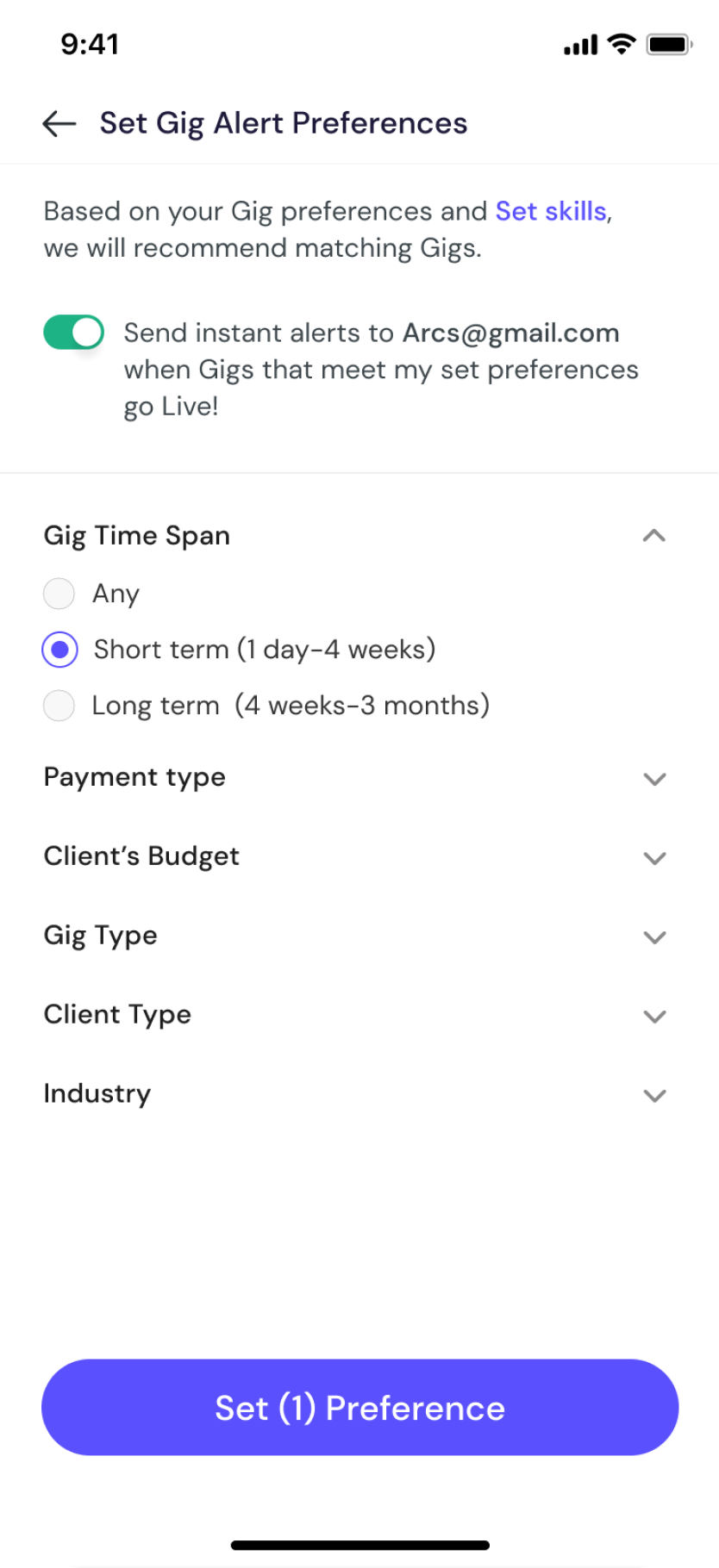
Personalized home feed and gig alert configuration
Gigs Feed, Search Gigs, Save Filters
Gig listings are displayed in a clear and organized format, presenting essential details such as gig title, gig type, location, client's budget and gig duration. A brief summary or teaser to provide users with a quick overview of the job, enable users to save or bookmark jobs of interest for future reference.
The Gig feeds has a clear and intuitive interface for browsing and viewing gig listings. A robust search functionality that allows freelancers to find relevant job opportunities, filtering options to refine search results based on factors like gig type, location, client's budget, payment type, industries and required skills.
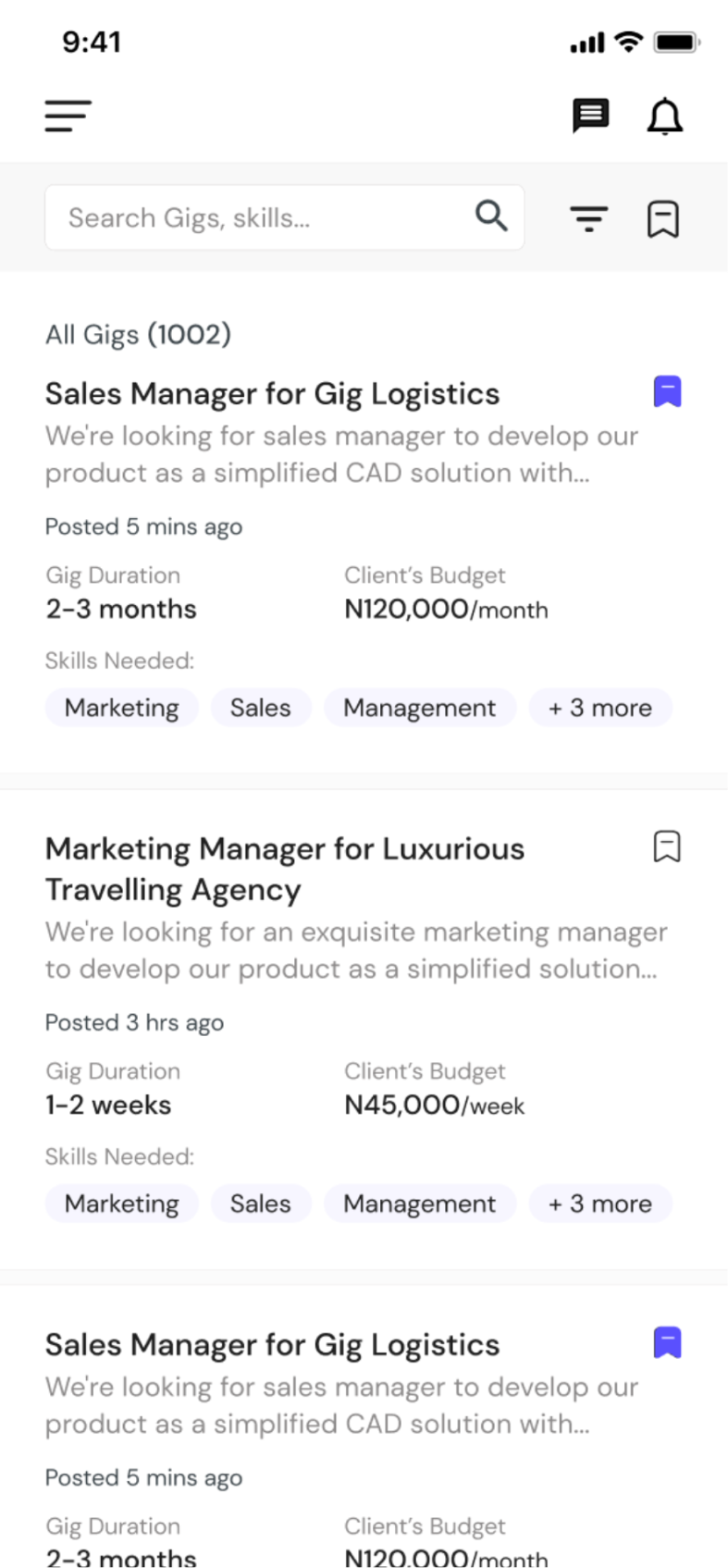
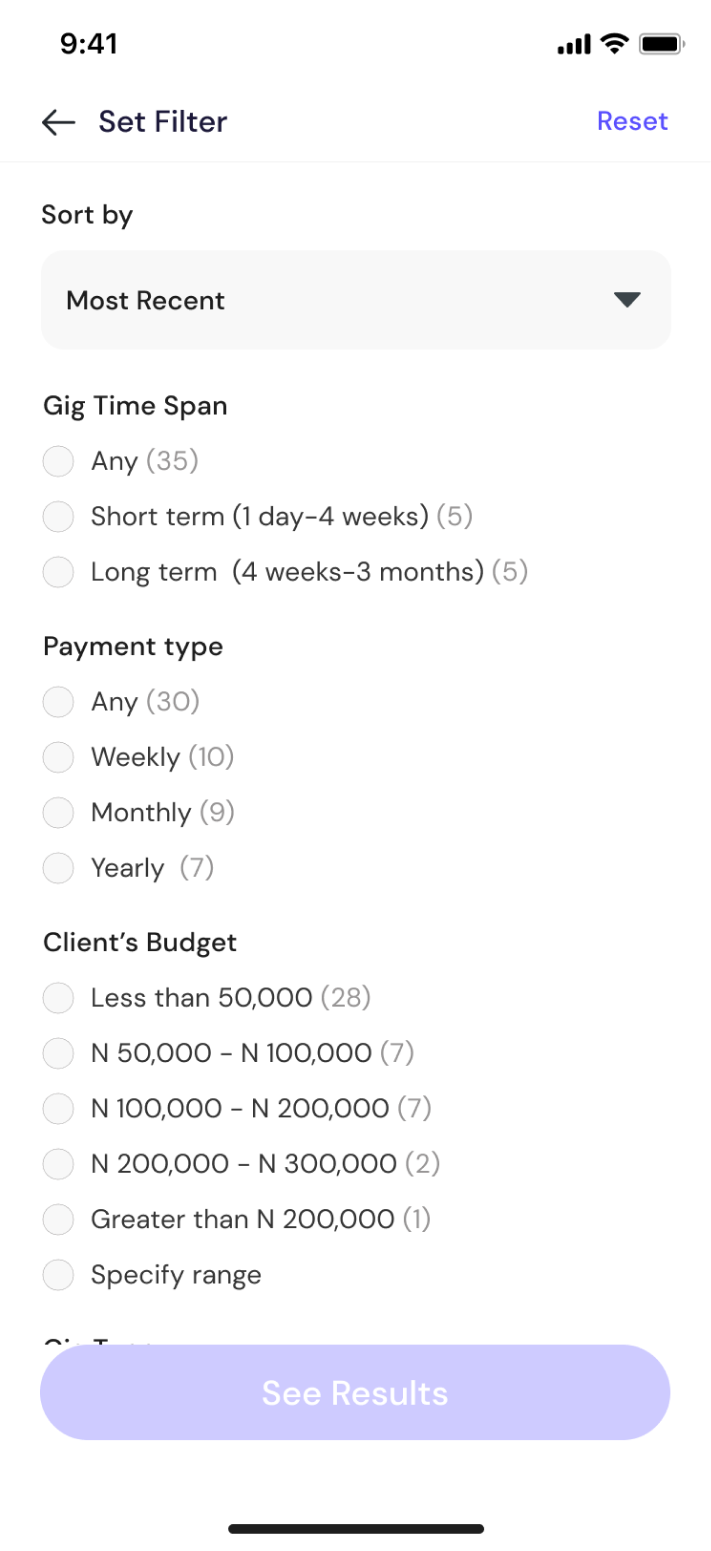
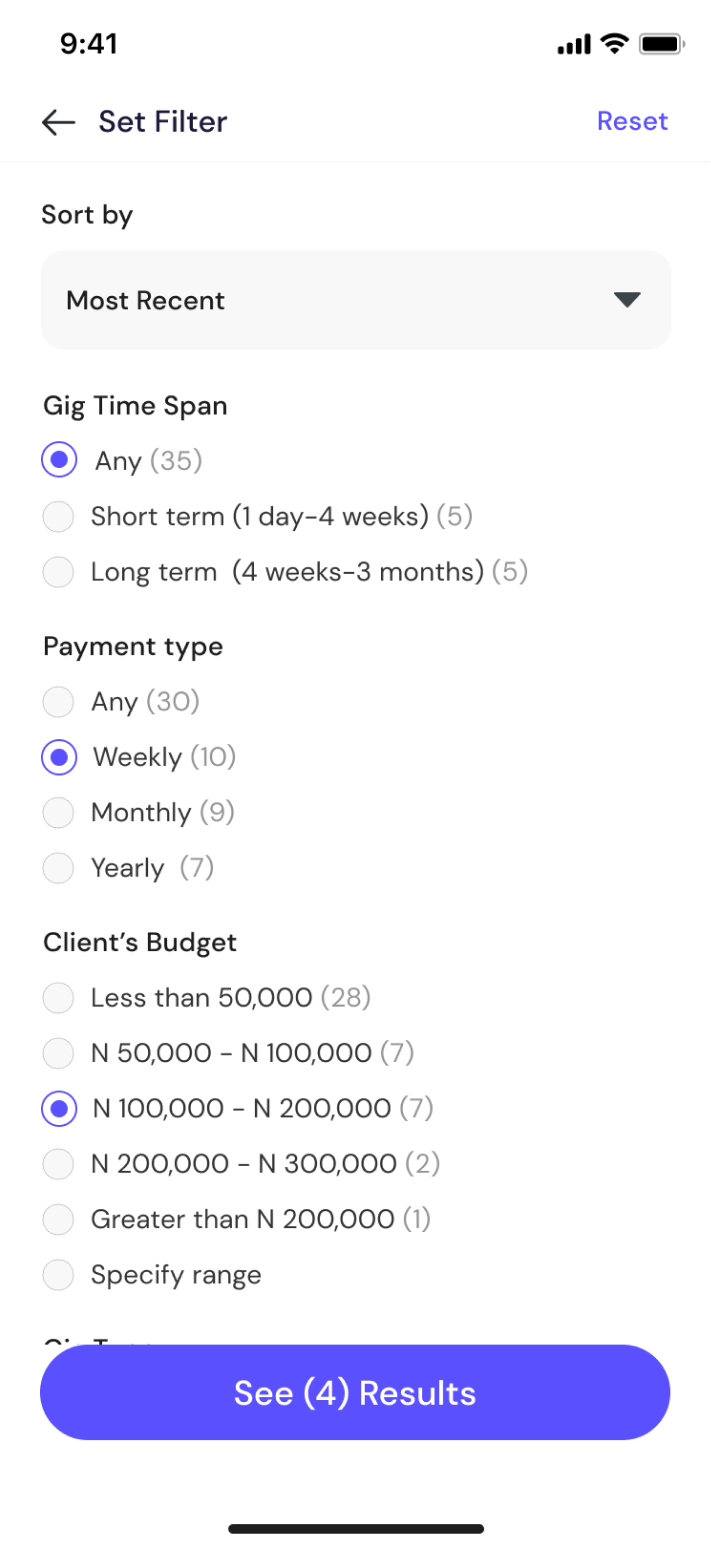
Gig listings, search with filters, and saved filter presets
Apply for Gigs
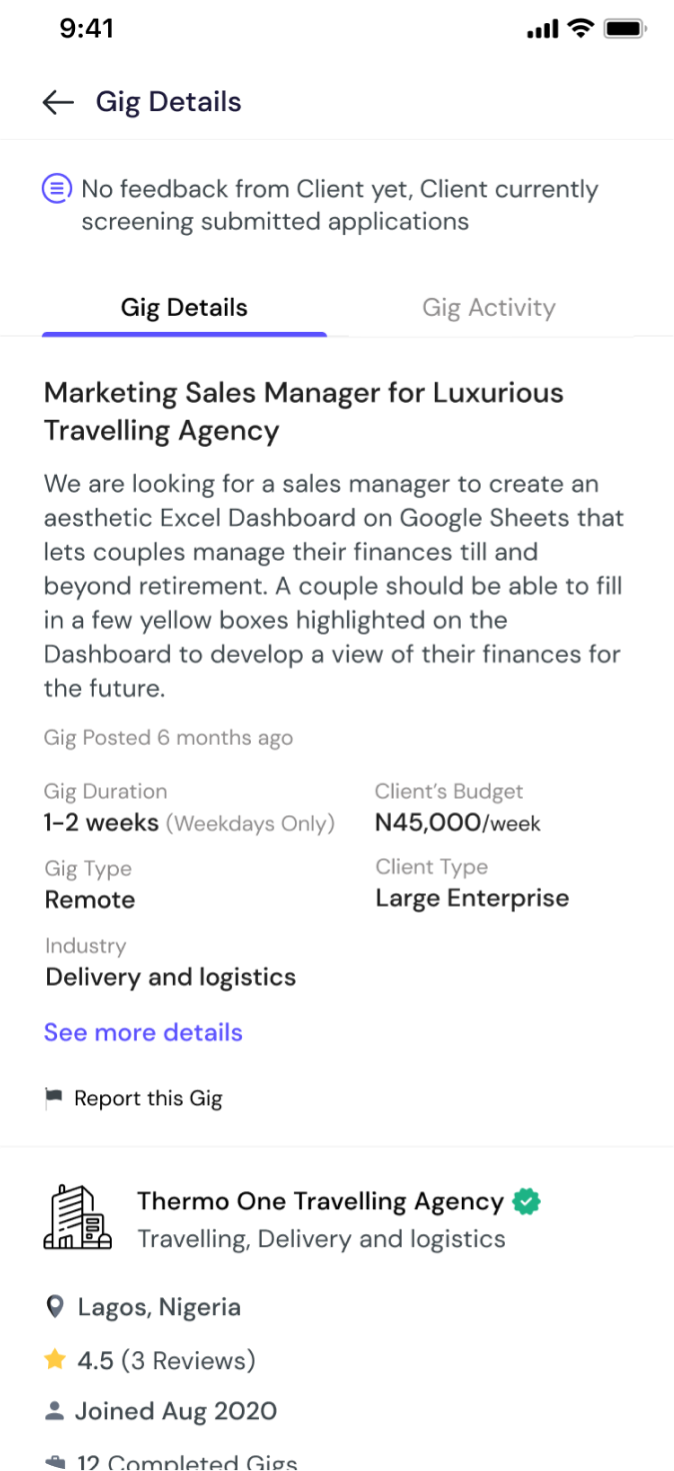
Gig detailed job descriptions, including responsibilities, qualifications, skills, requirements needed, client profile details and any additional information that helps users evaluate their fit for the role. We highlighted Clients culture, benefits, and no. of completed gigs to help users make informed decisions regarding clients.
The application process is streamlined to minimize friction and enhance user experience. Freelancers can apply directly via the app, a simplified application form prefilling relevant details from the user's profile to save time. Freelancers provide their expected pay and answers to application questions, then submit applications, this is sent real time to clients for review.
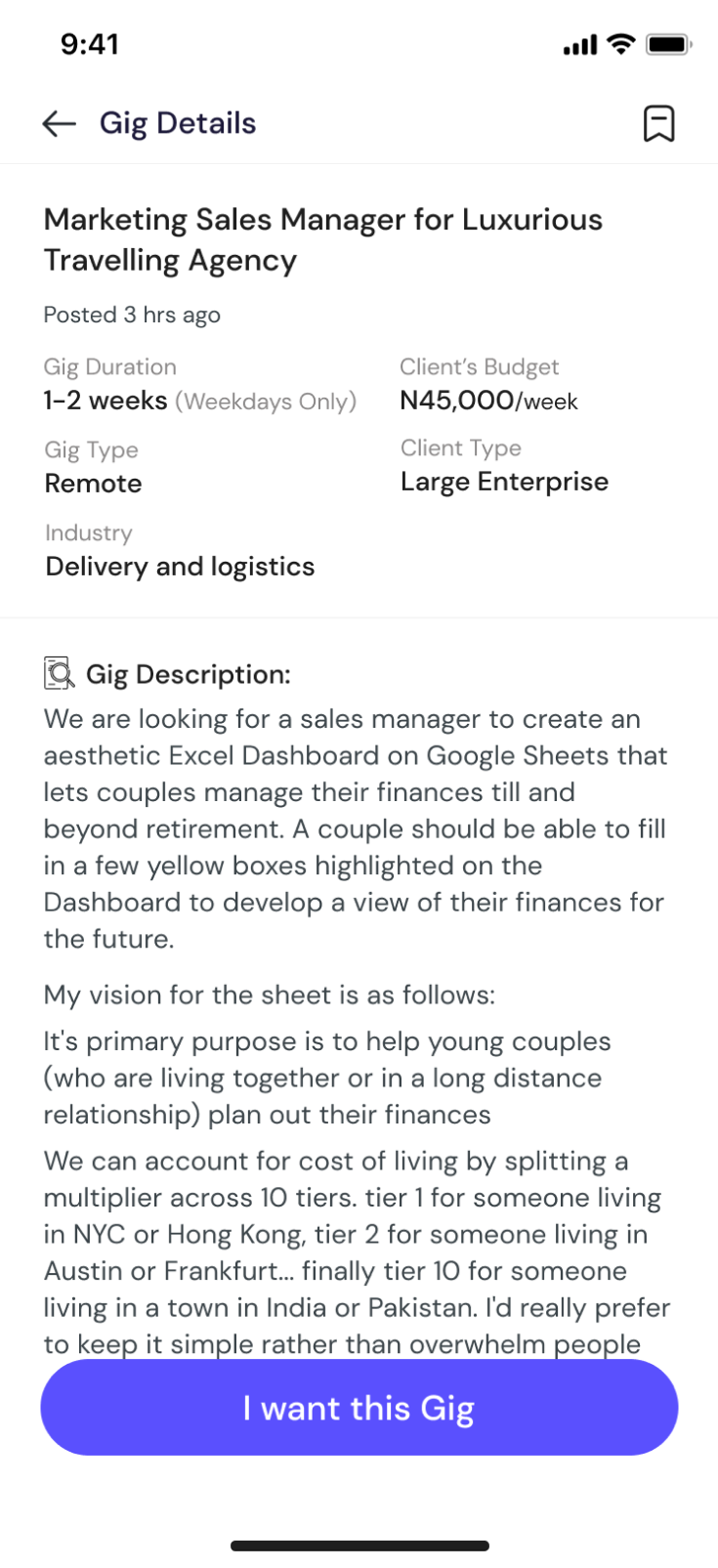
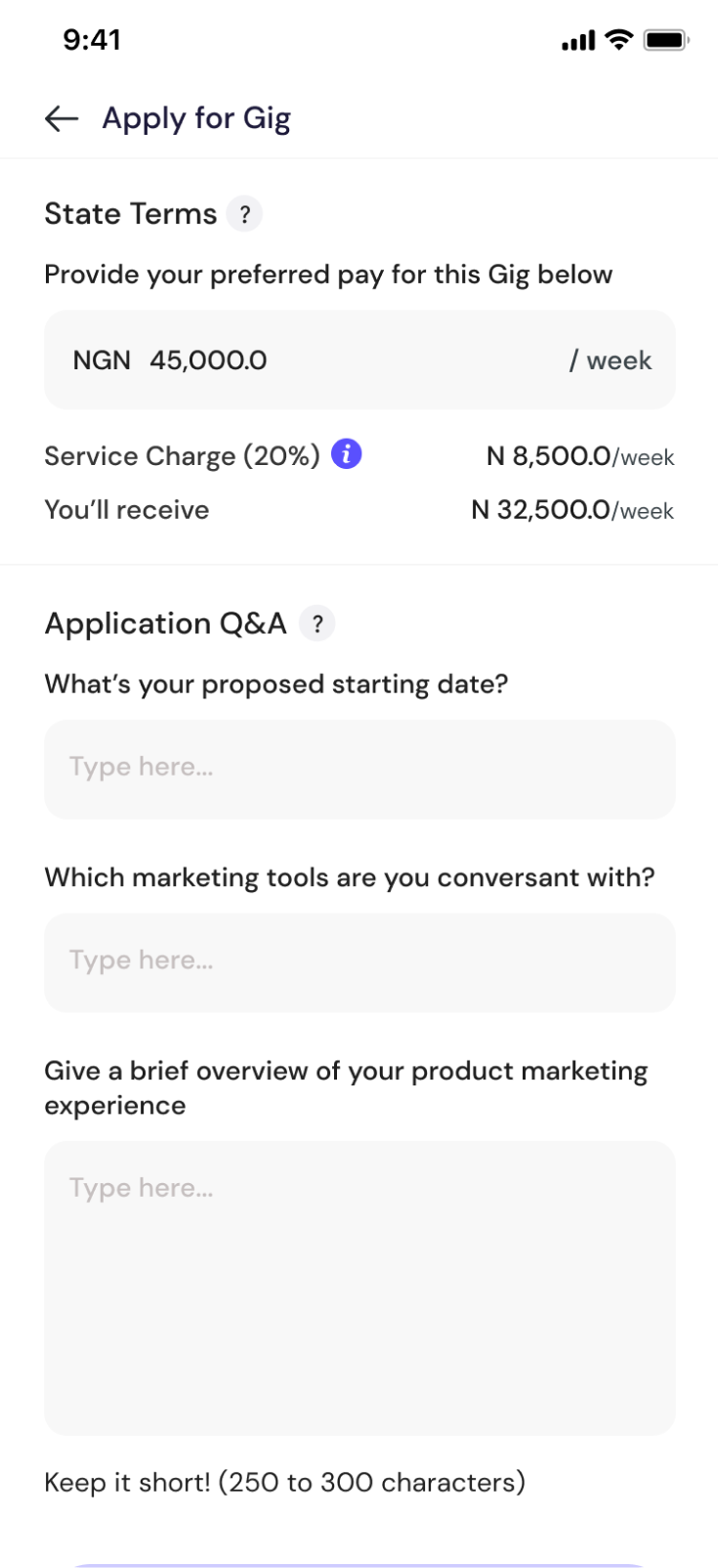
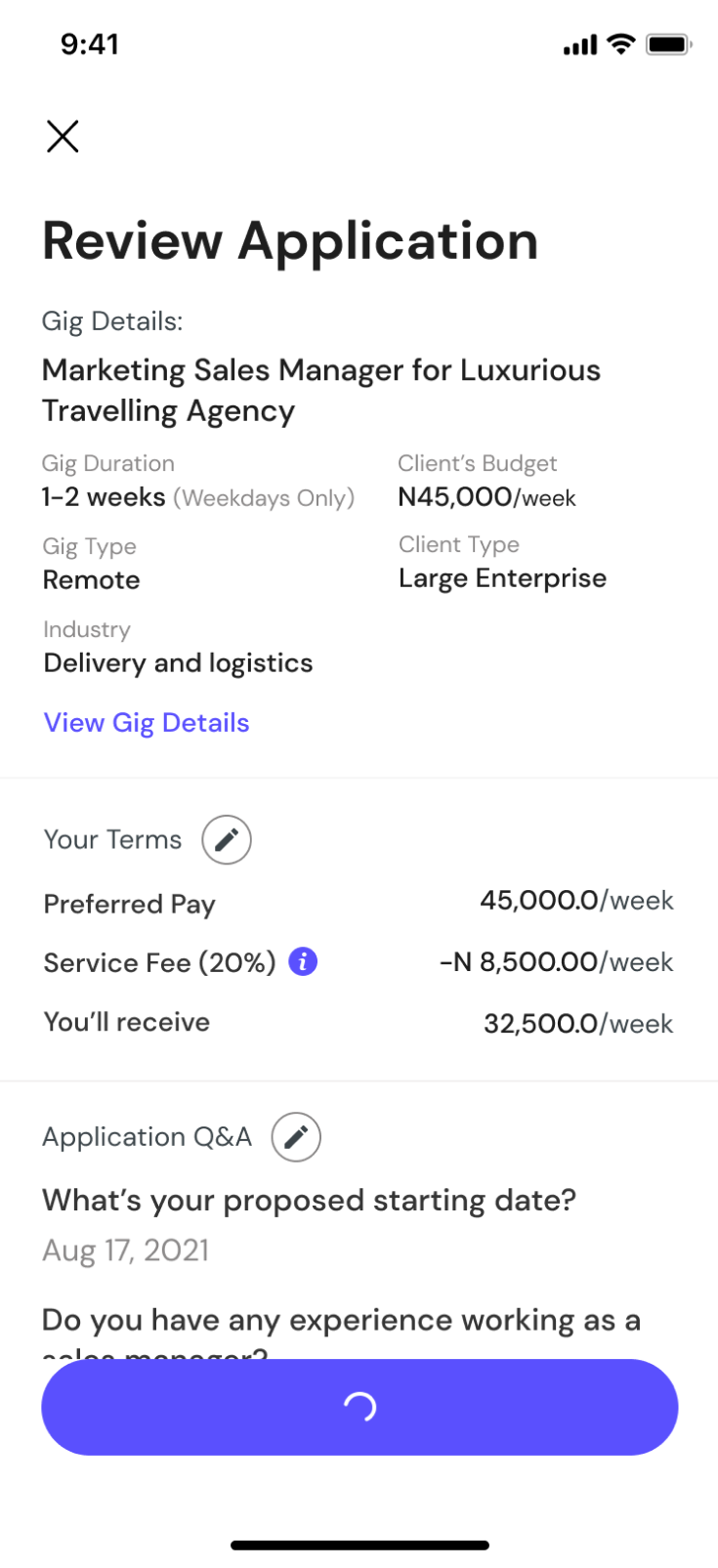
Gig details, client profile, and streamlined application form
Invitation to Gigs, Interview, Offers, Gigs History
Recommendations will be made on the client's end; suggesting relevant talents based on user preferences, skills, or profile information. Based on this flow, freelancers can also get invited to Gigs by clients. For My Gigs section, It is very important to provide a clear and concise overview of the freelancer's gigs history, the Gigs are categorized based on the recruitment funnel.
The Gigs history cards are designed to give a summary of the Gigs details and a user can tap to view detailed information about applications, interviewed Gigs, Offers, Active Gigs and Completed Gigs. Gig Interviews are conducted via the Gigtrybe App, freelancers can manage upcoming and conducted interviews.
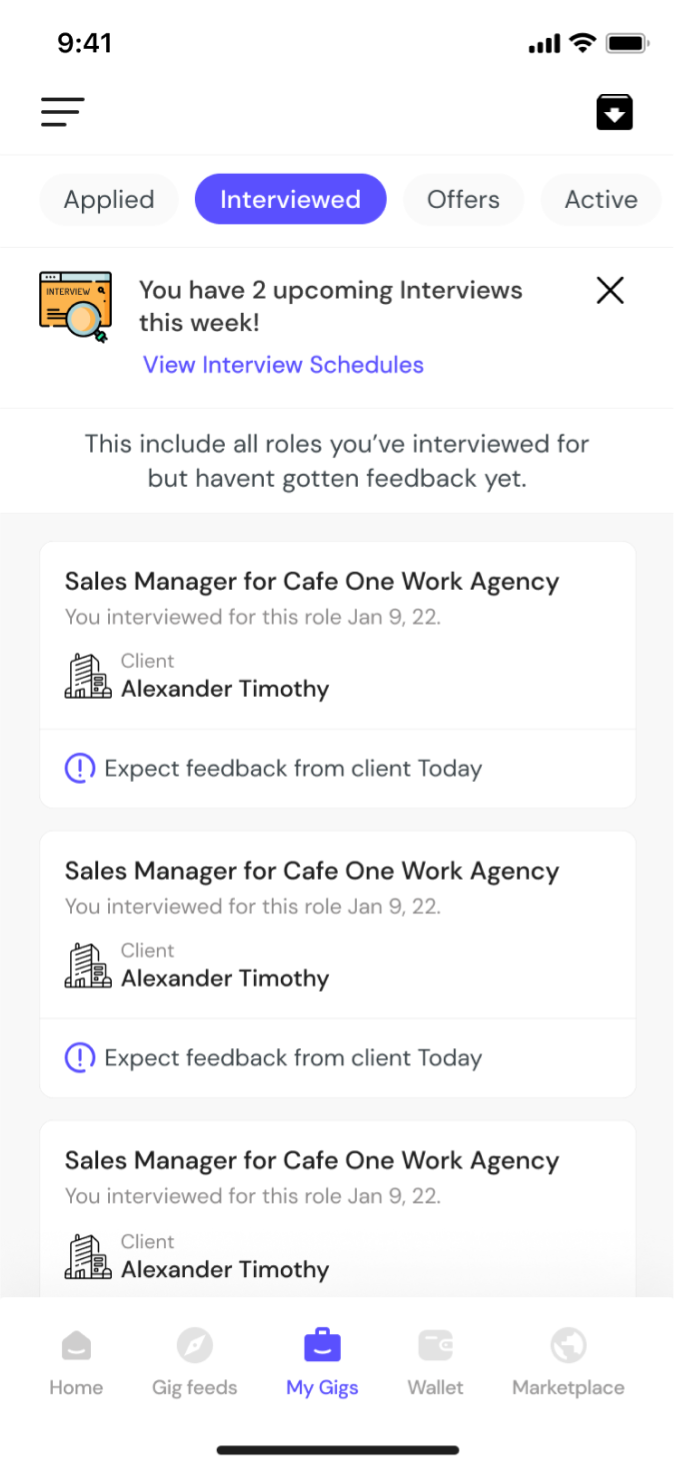
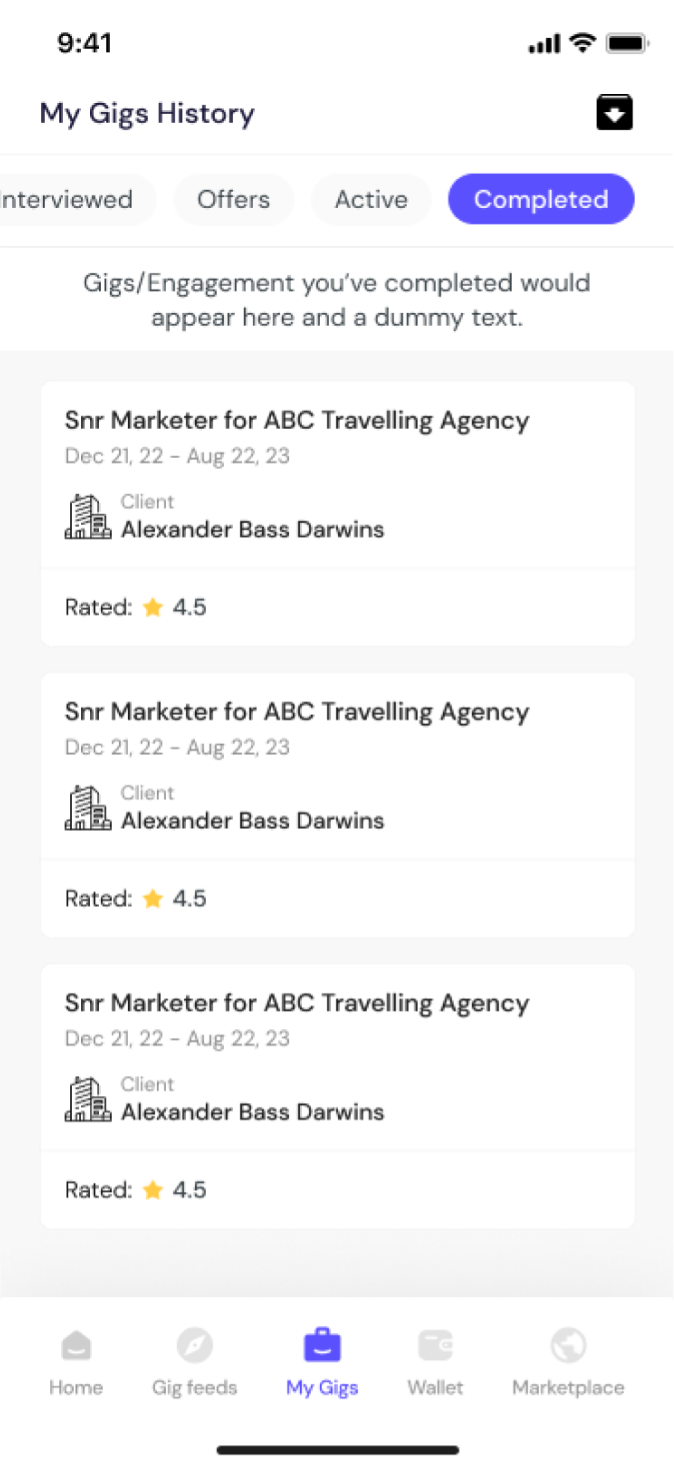
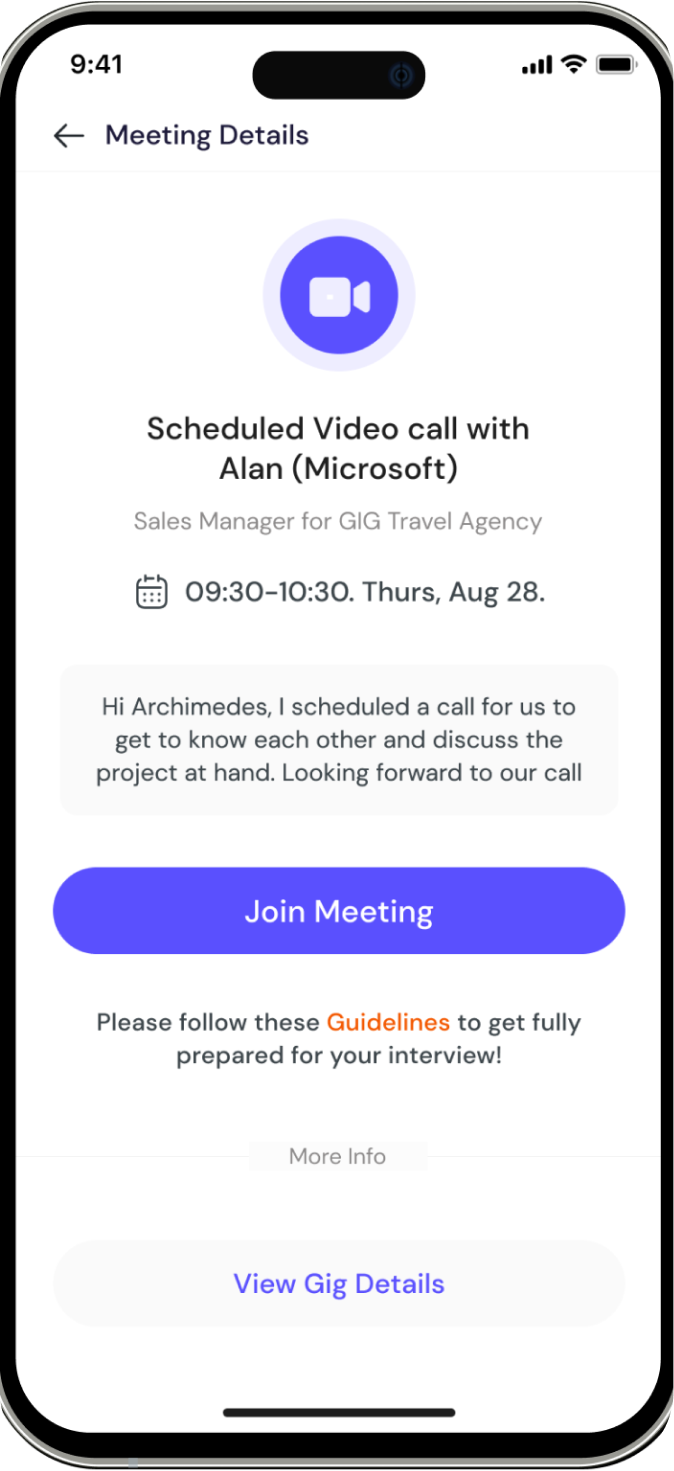
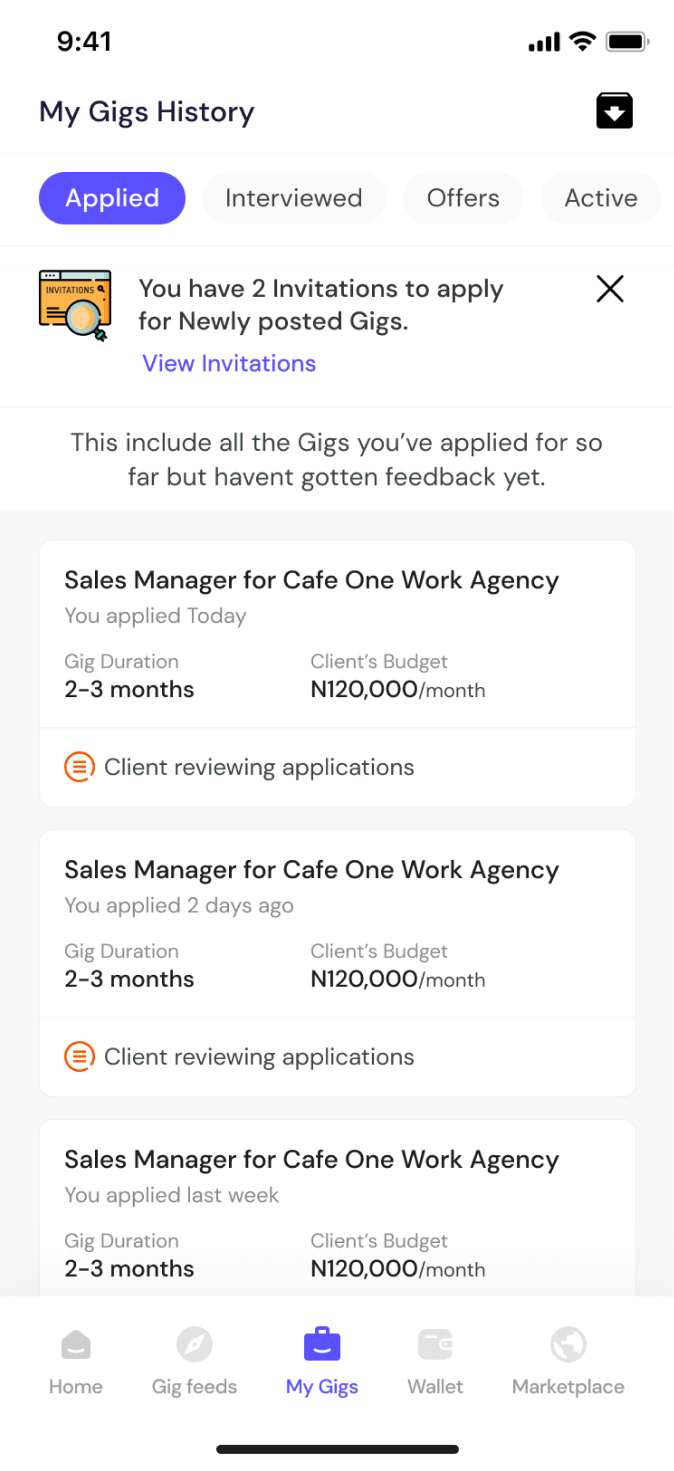
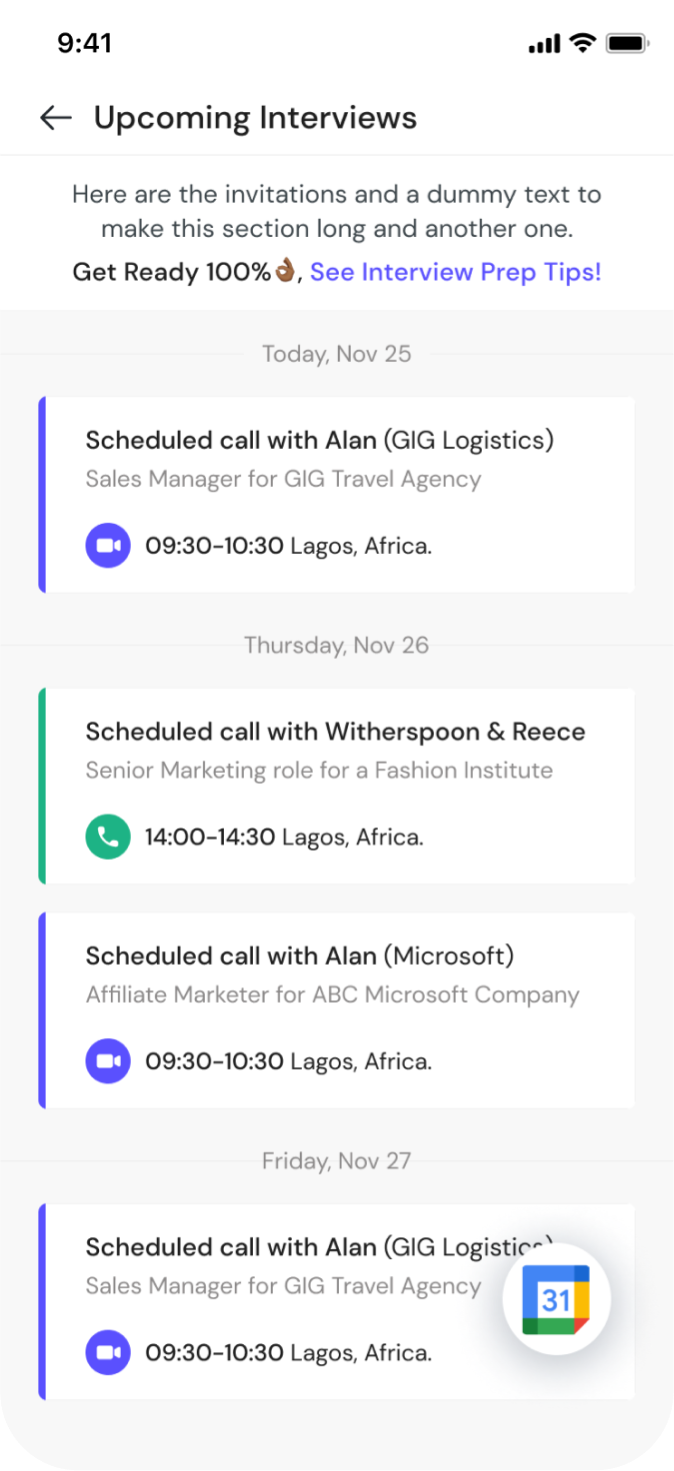
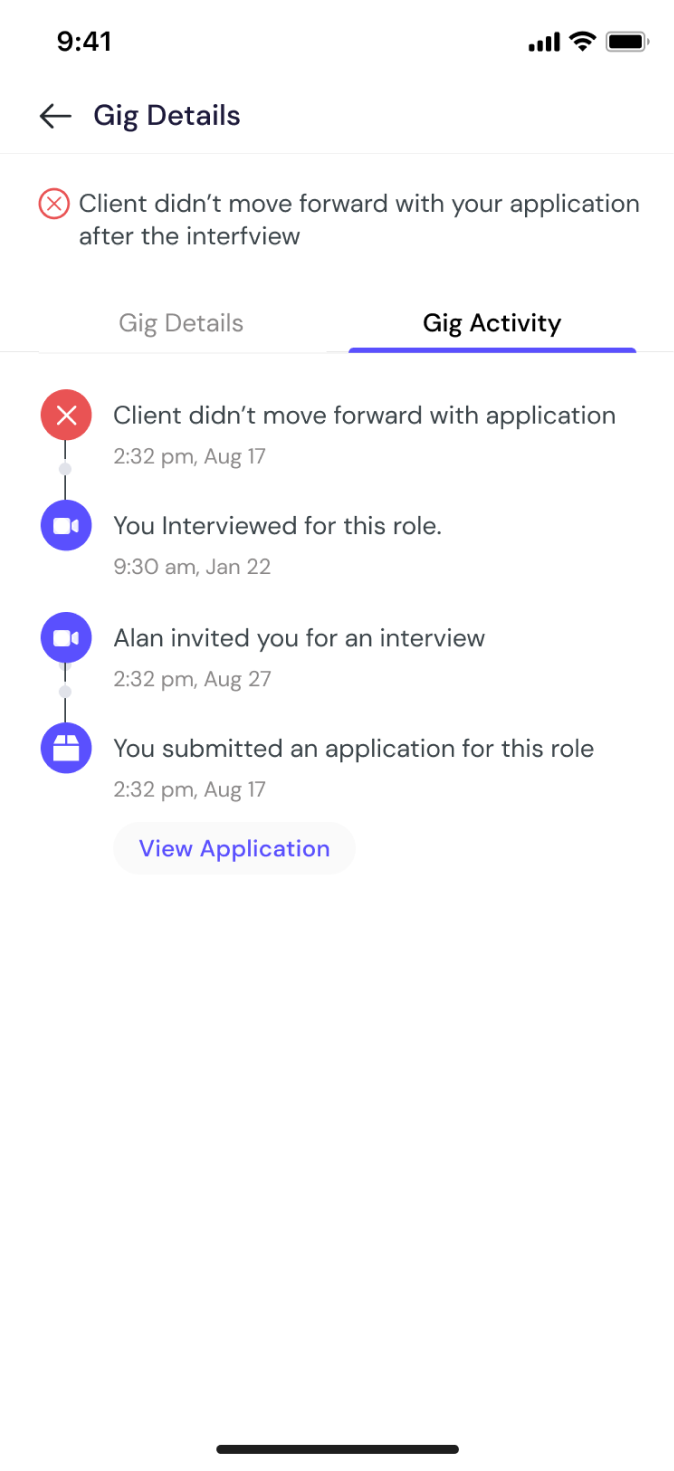
Gig invitations, interview scheduling, offers management, and gigs history
Active Gigs
Clients push offers to freelancers, freelancers get notified of offers via email, In app notifications, push notifications. User reviews offer and finally accepts. The active Gigs user experience in the Gigtrybe app is essential for freelancers to efficiently manage and stay up-to-date with their ongoing projects. Freelancers are expected to access detailed information about each active project by tapping on a specific gig card on the active gig list. It is important to display comprehensive project details, including project description, milestones, deliverables, and any attached files or documents.
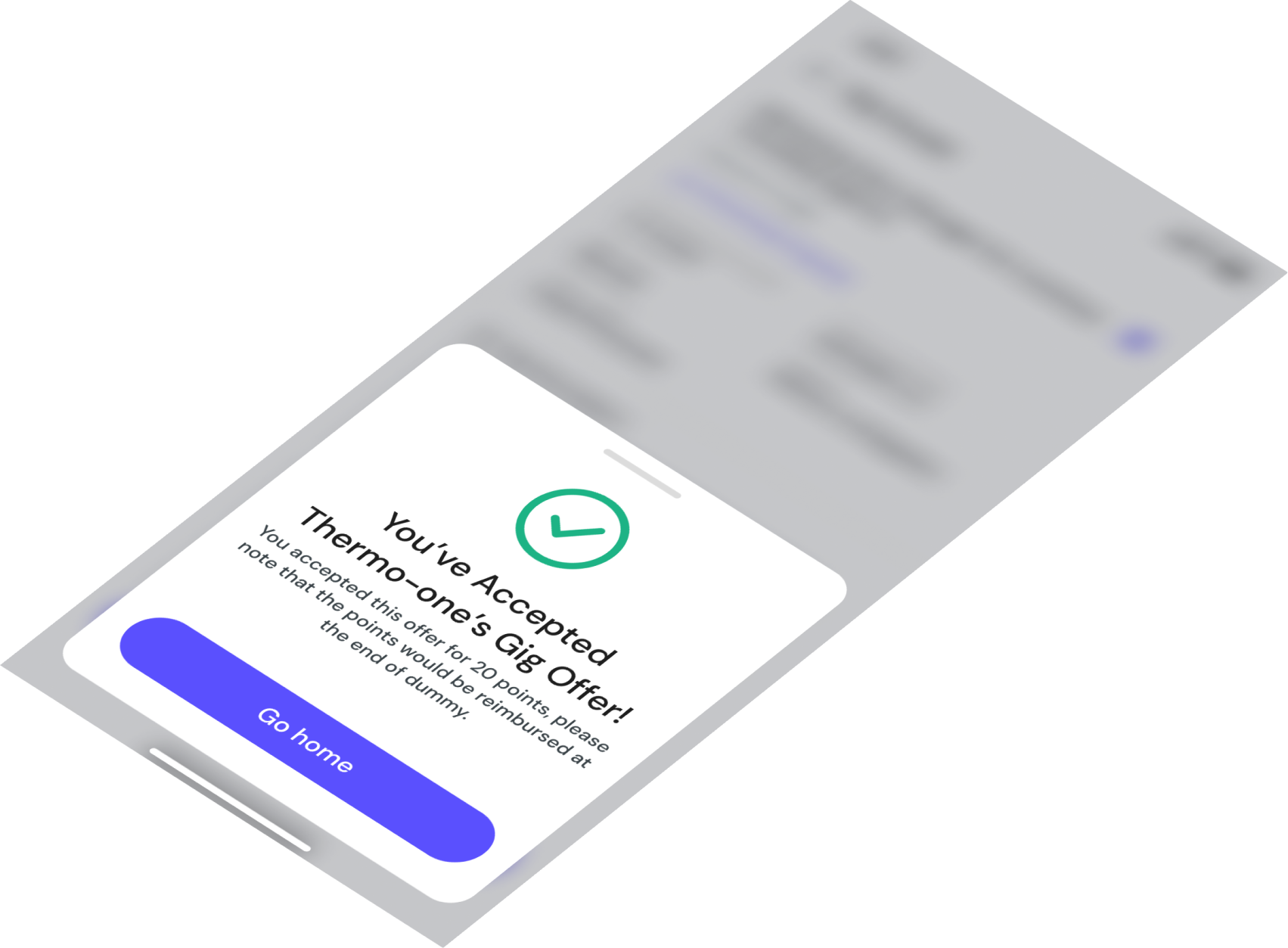
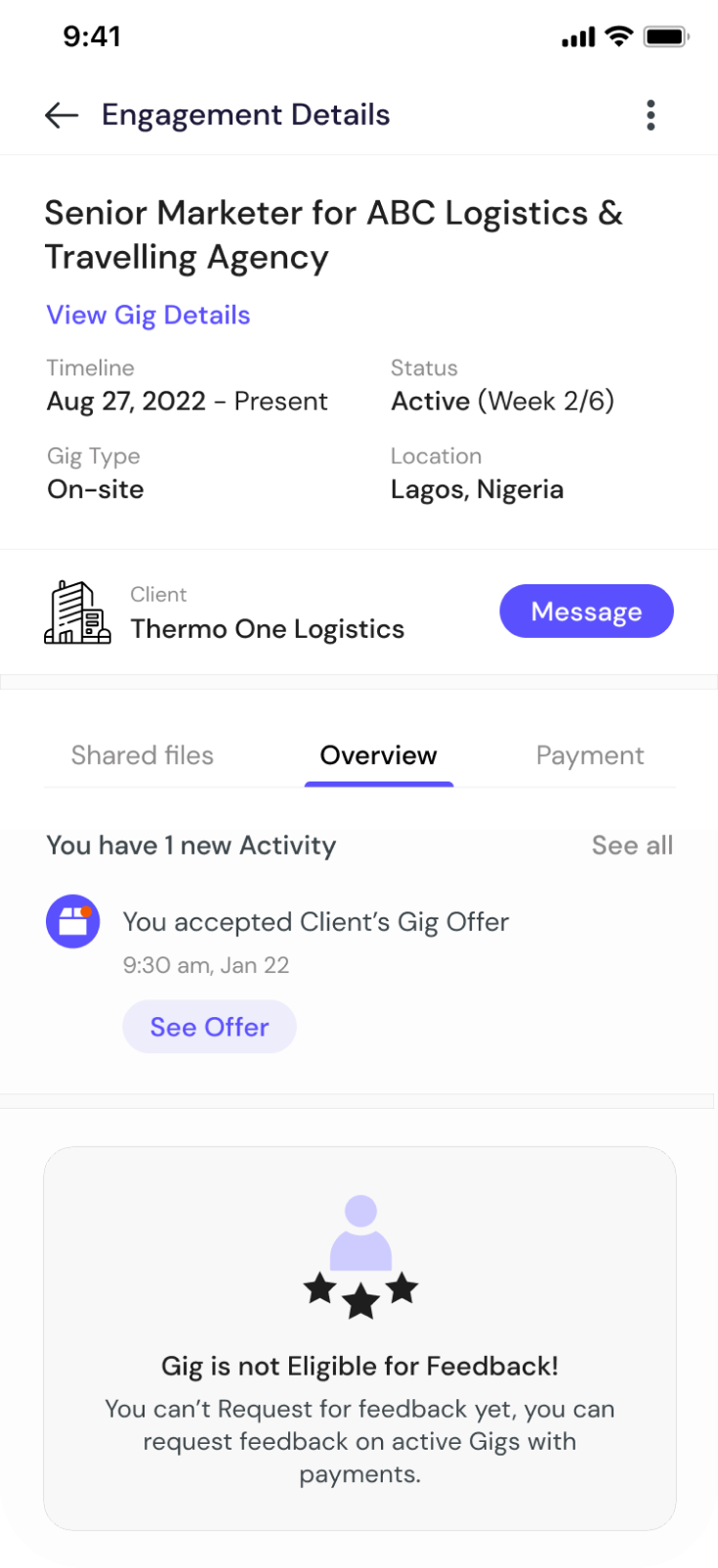
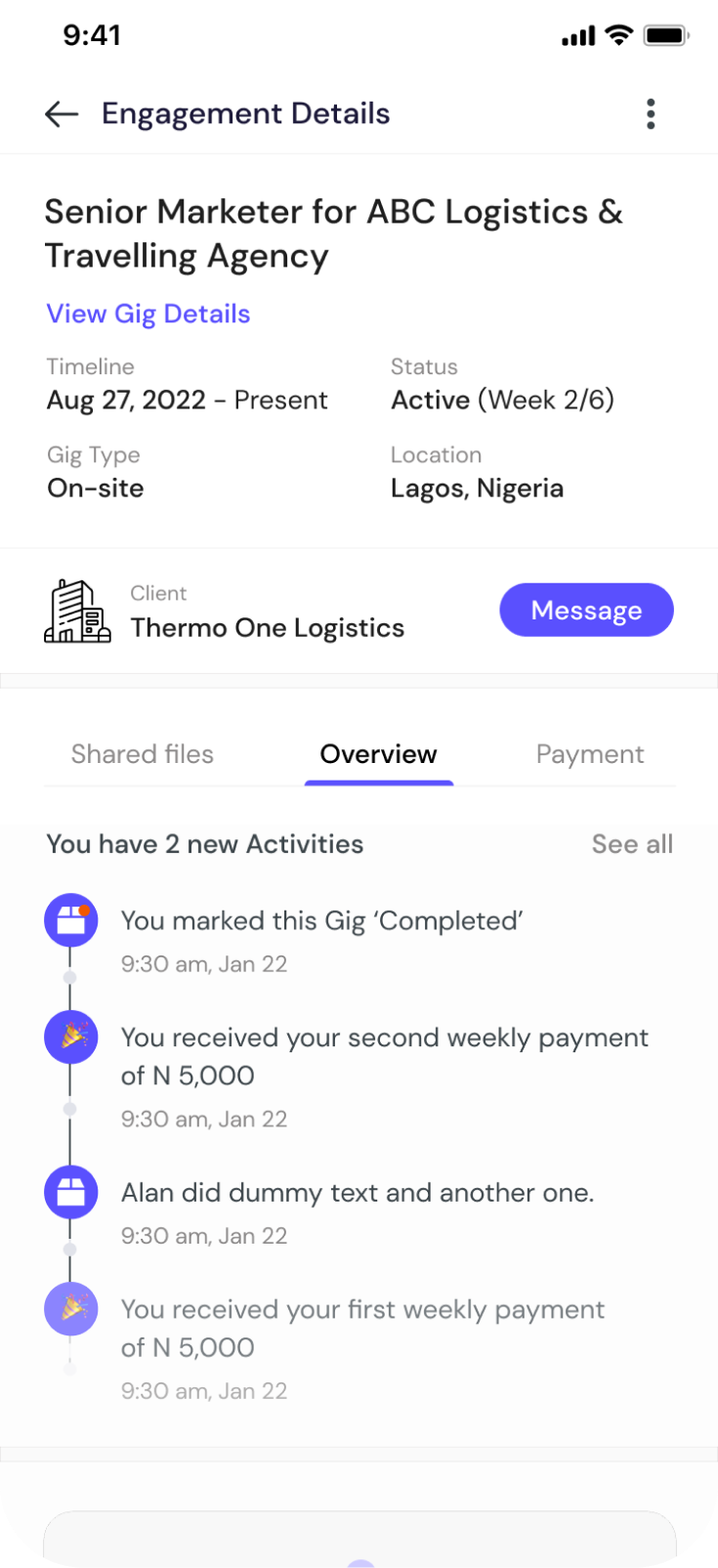
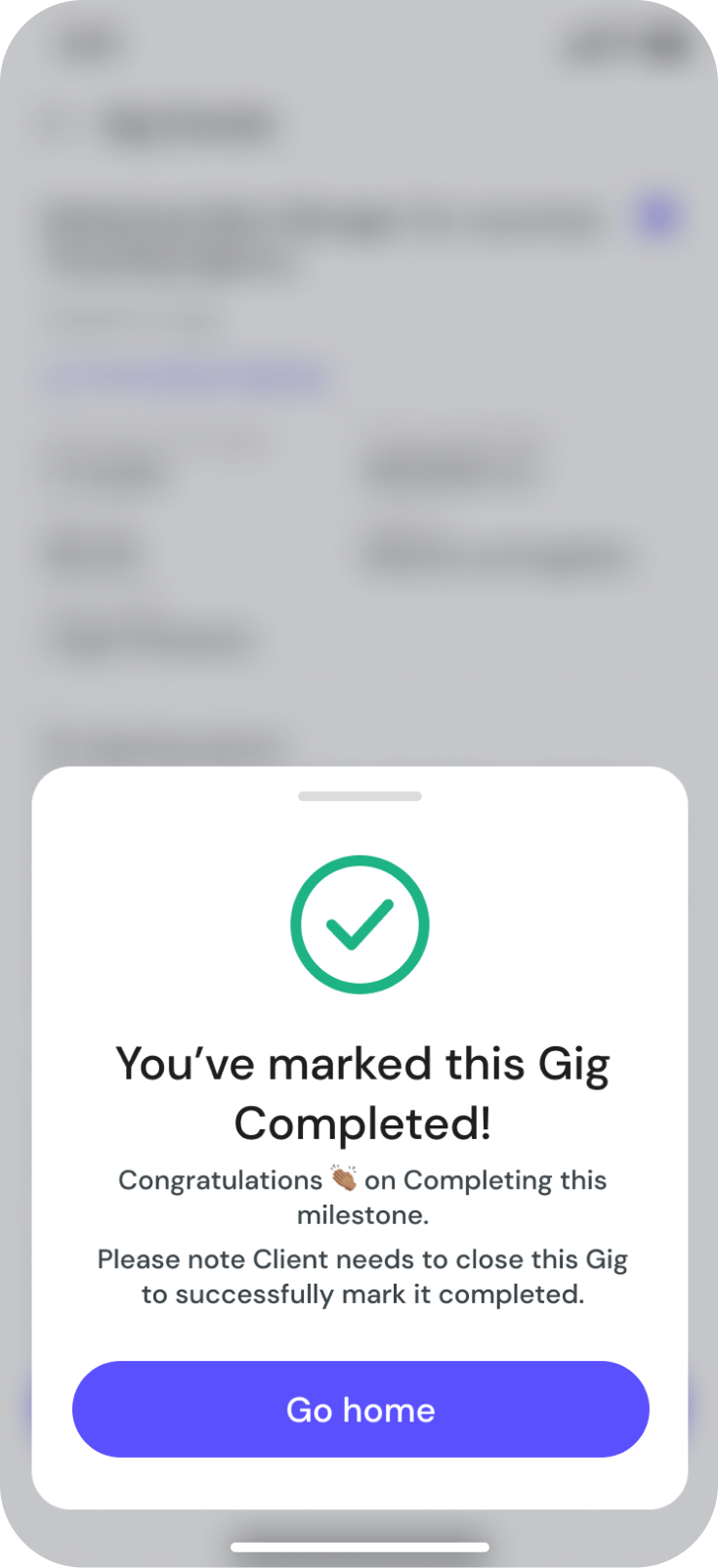
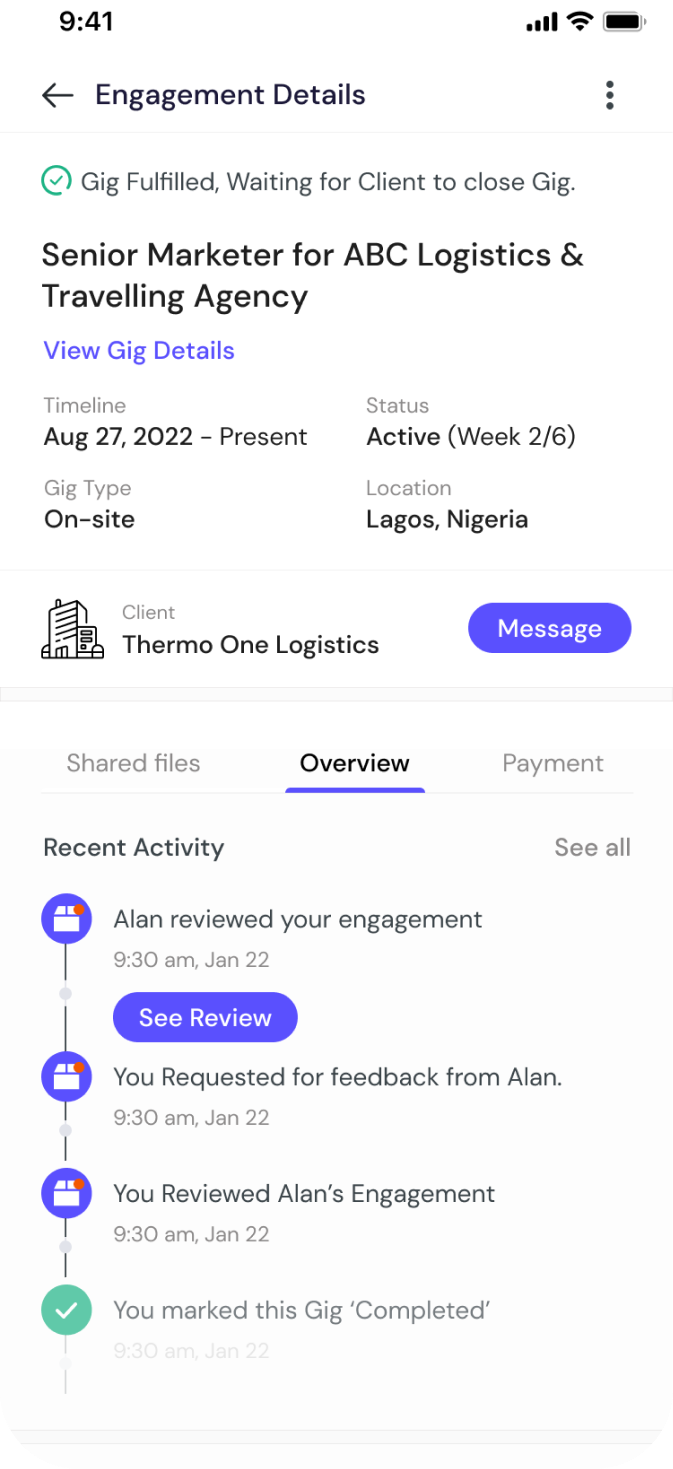
Active gig list, project details, milestones, and deliverables
Messaging Functionality
It is very important to Integrate a collaboration tool/features that facilitate smooth communication and collaboration between freelancers and clients. This feature was conceived during the UX research based on feedback from projected users of the application. This enable freelancers to easily access conversations, send messages, and receive notifications related to the active project.
Freelancers can also access past engagements conversations but the send message feature would be disabled. A clear and organized list of conversations, displaying the names or profile pictures of the clients and the latest message preview, cues such as unread message indicators or timestamps to help users quickly identify new or recent messages.
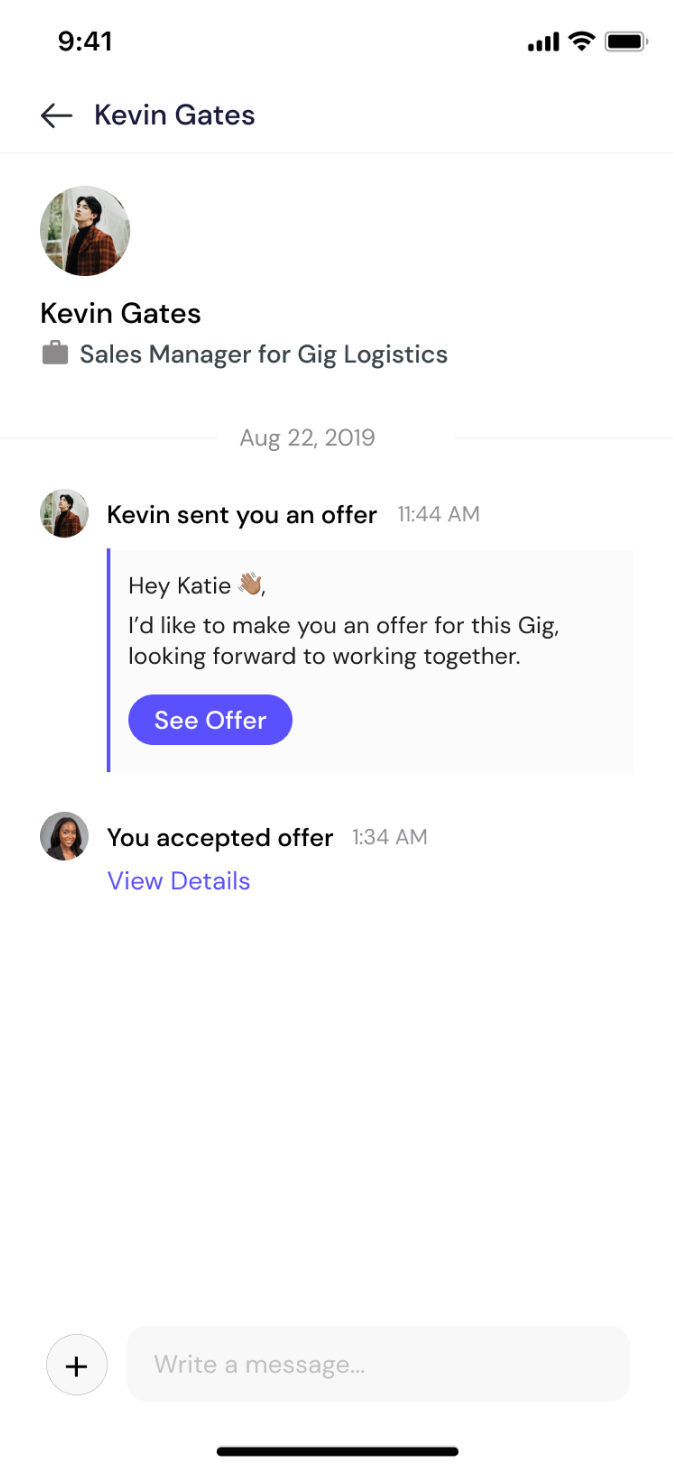
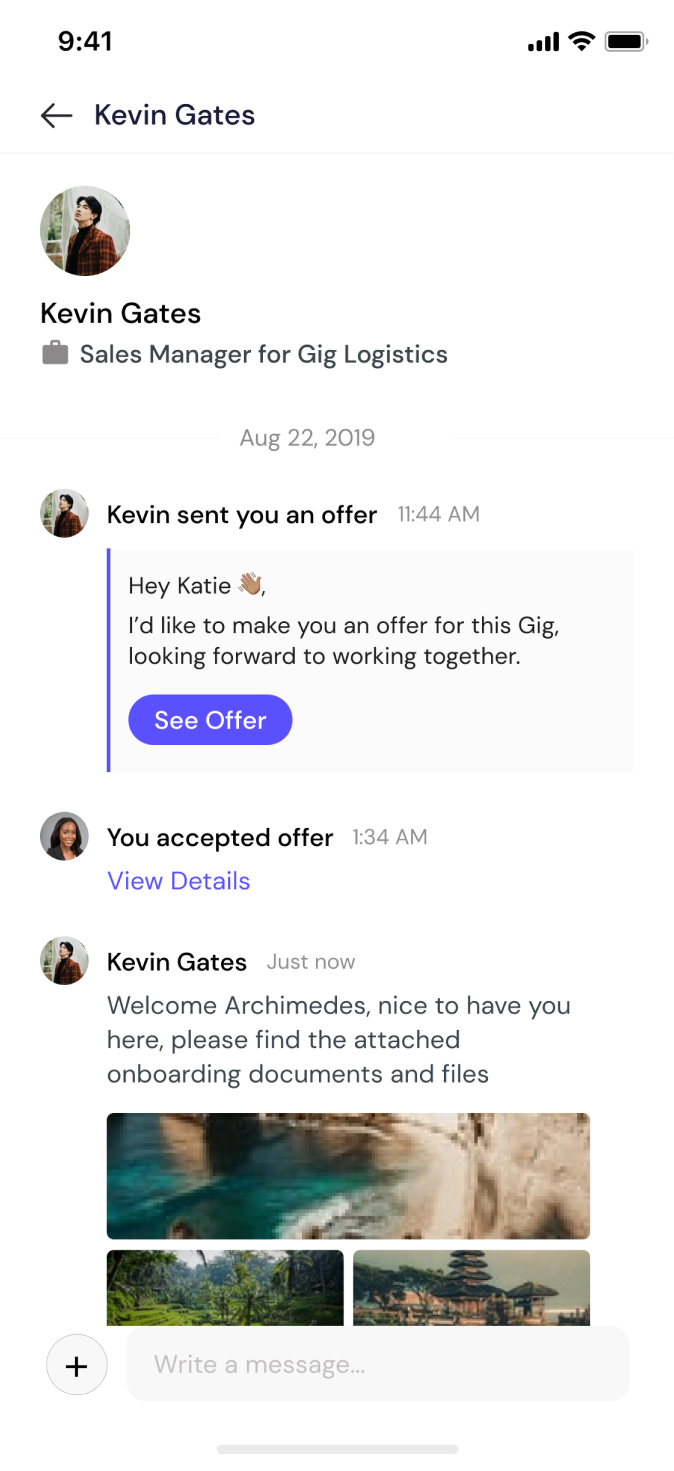
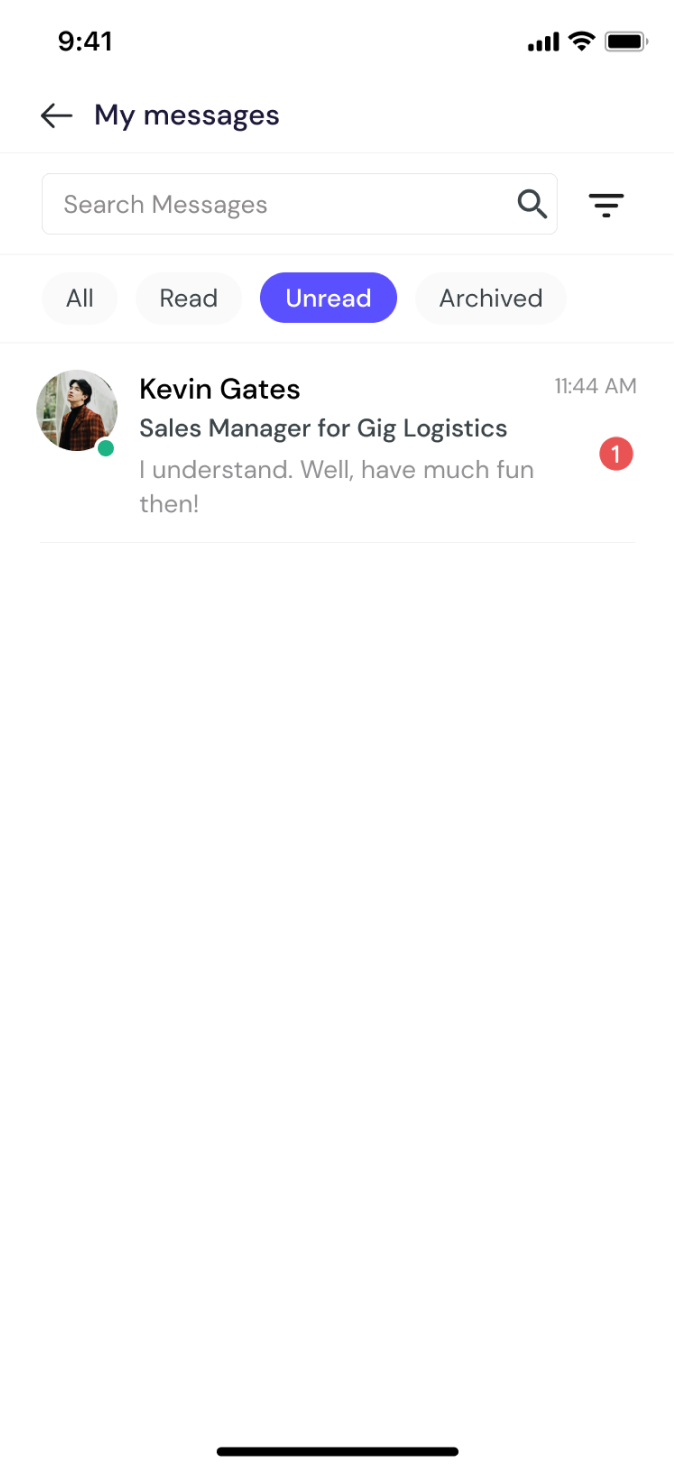
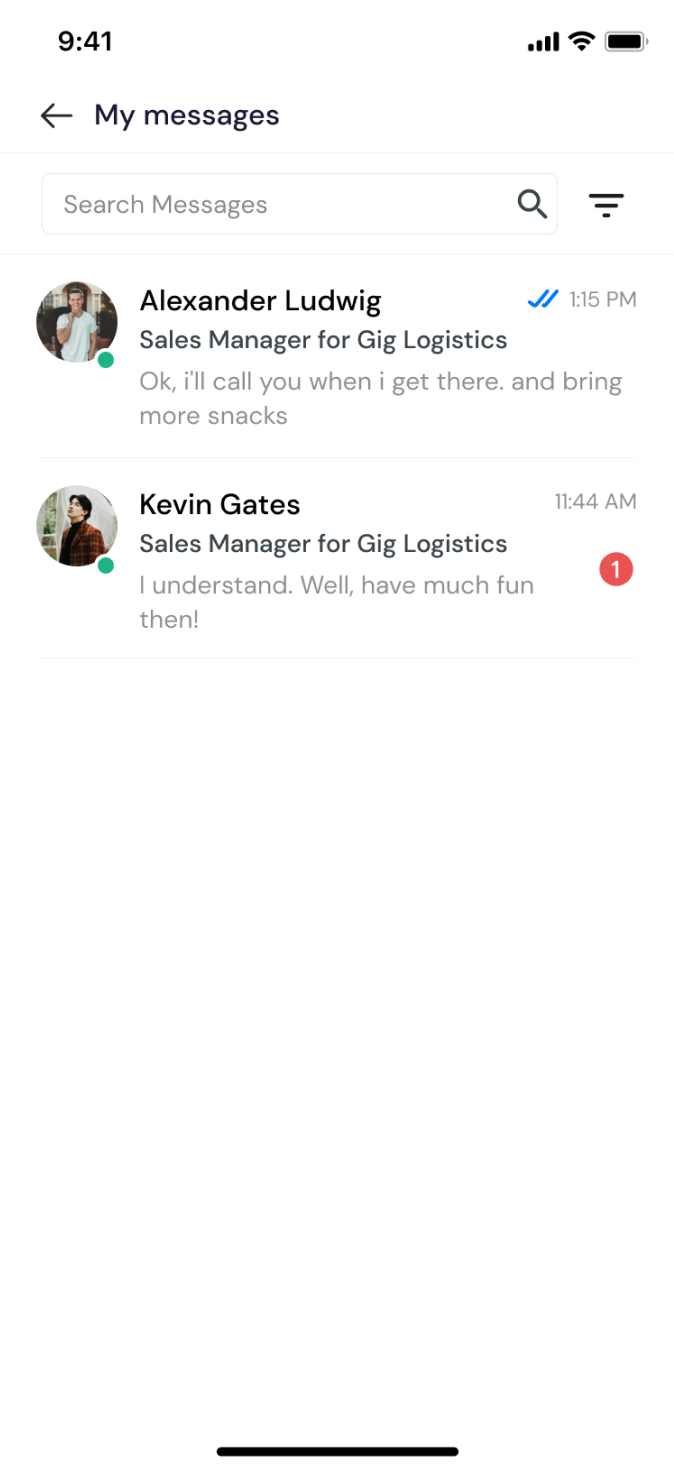
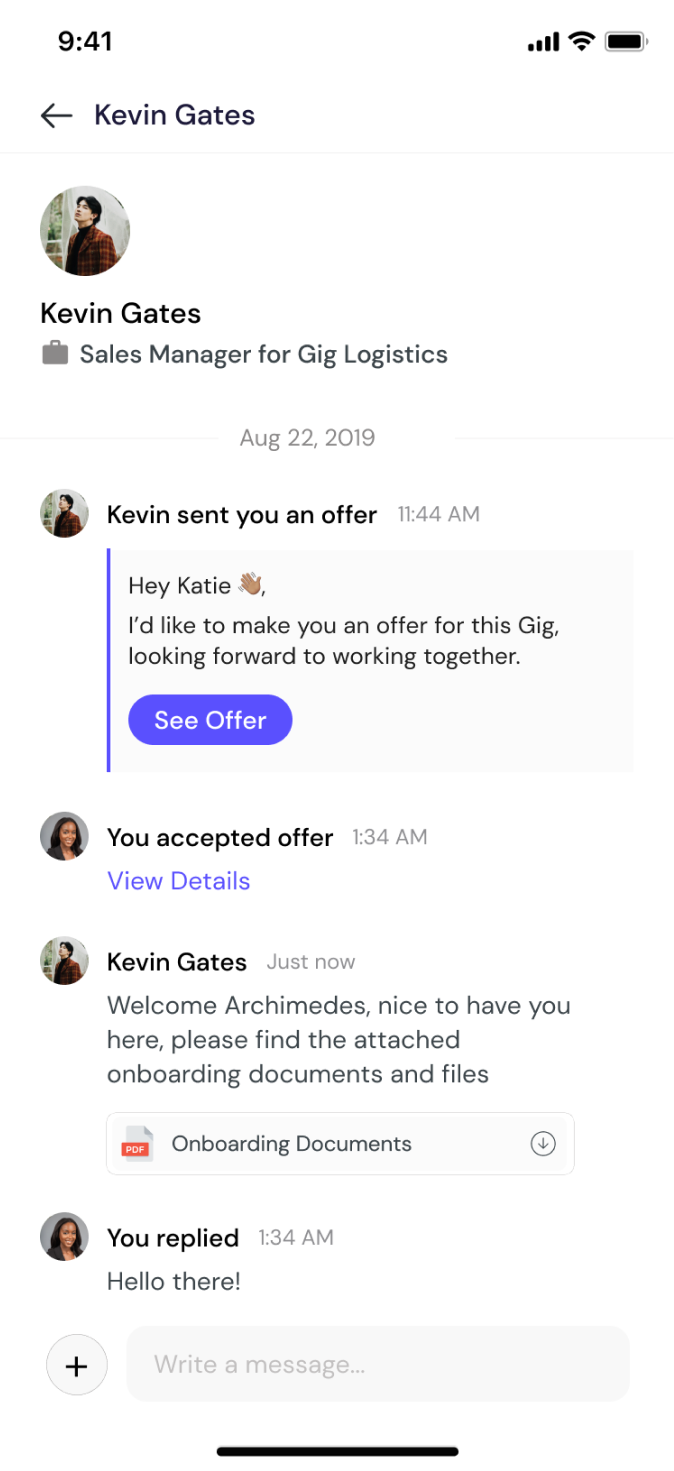
Conversations list, real-time messaging, and notification indicators
In App Wallet
I designed a secure and convenient wallet system for freelancers to manage payments, earnings, and financial transactions. The wallet's current balance is vividly displayed, transactions history to give a detailed record of all incoming and outgoing transactions related to the freelancer's earnings, and add money, withdraw and more options.
The available payment options and methods for freelancers to add, withdraw or transfer funds from their wallet is clearly laid out. It is also very important to send timely notifications/alerts to freelancers regarding incoming payments, completed withdrawals, top ups.
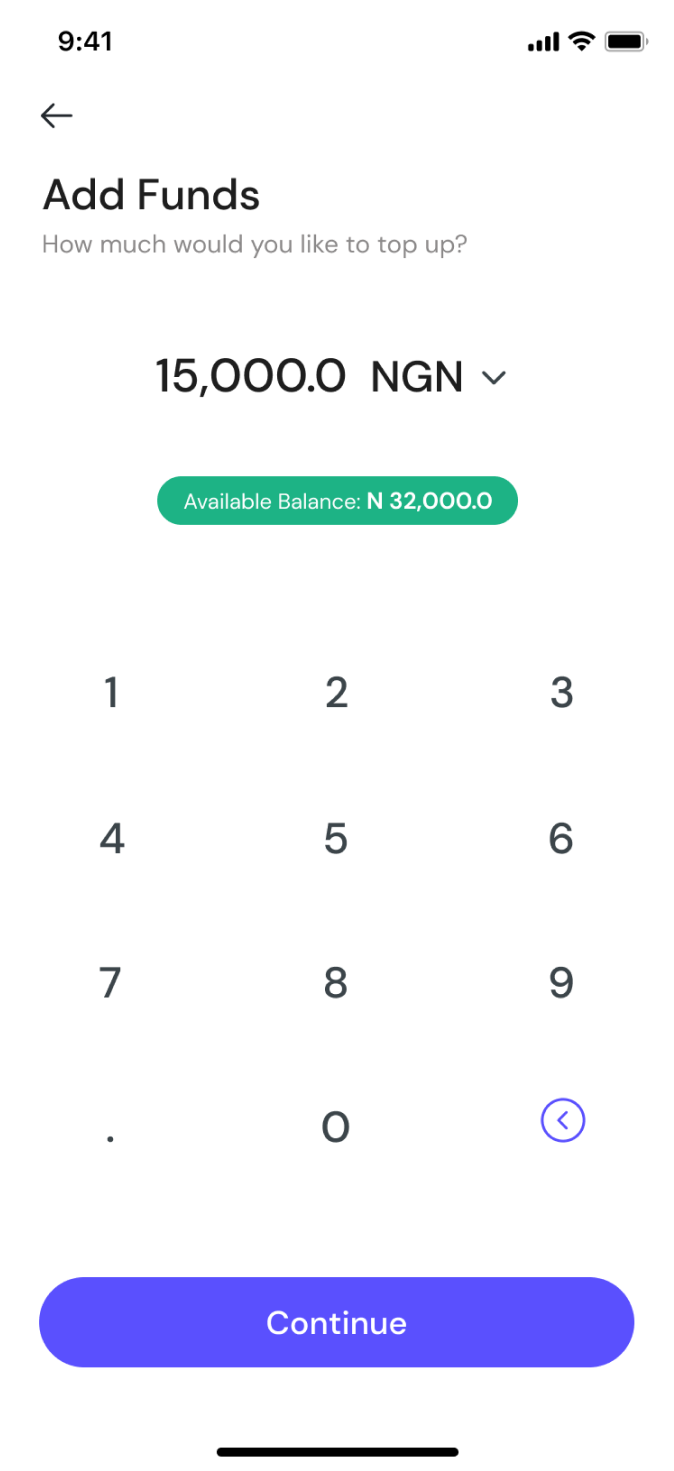
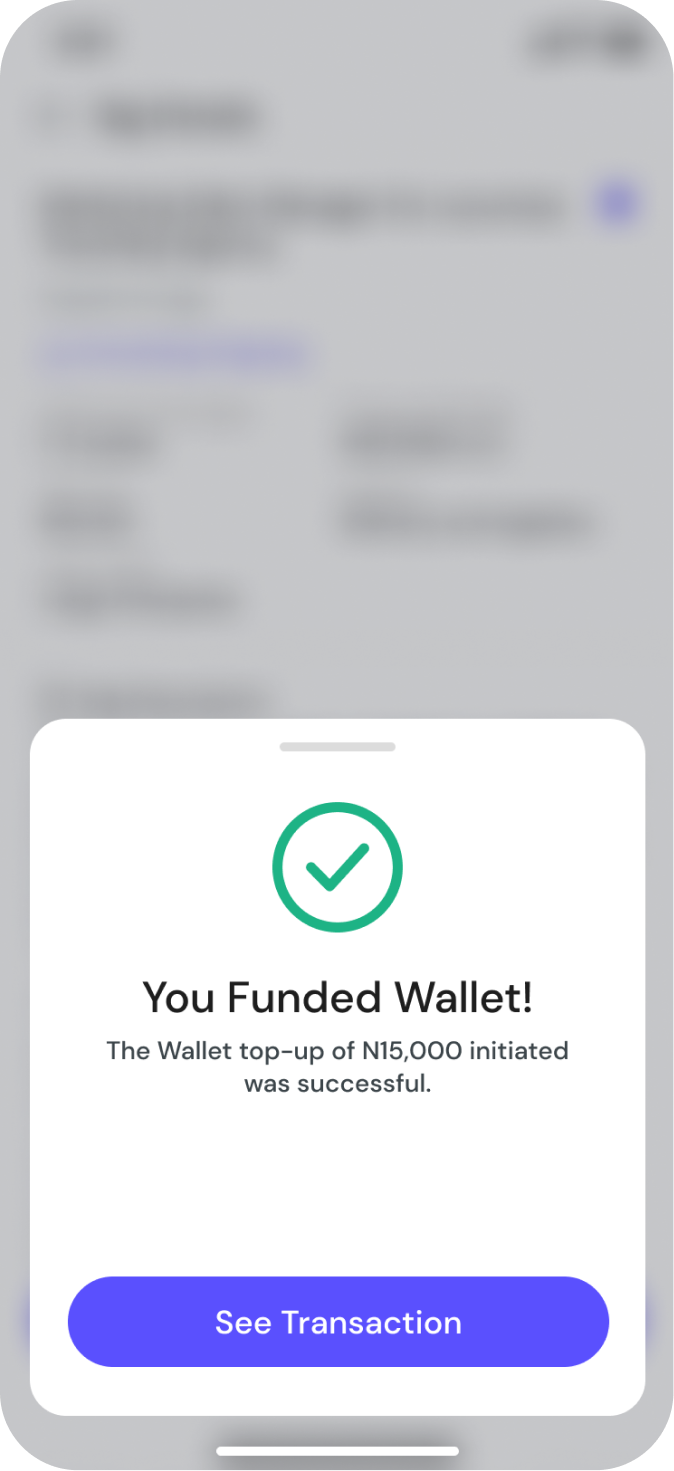
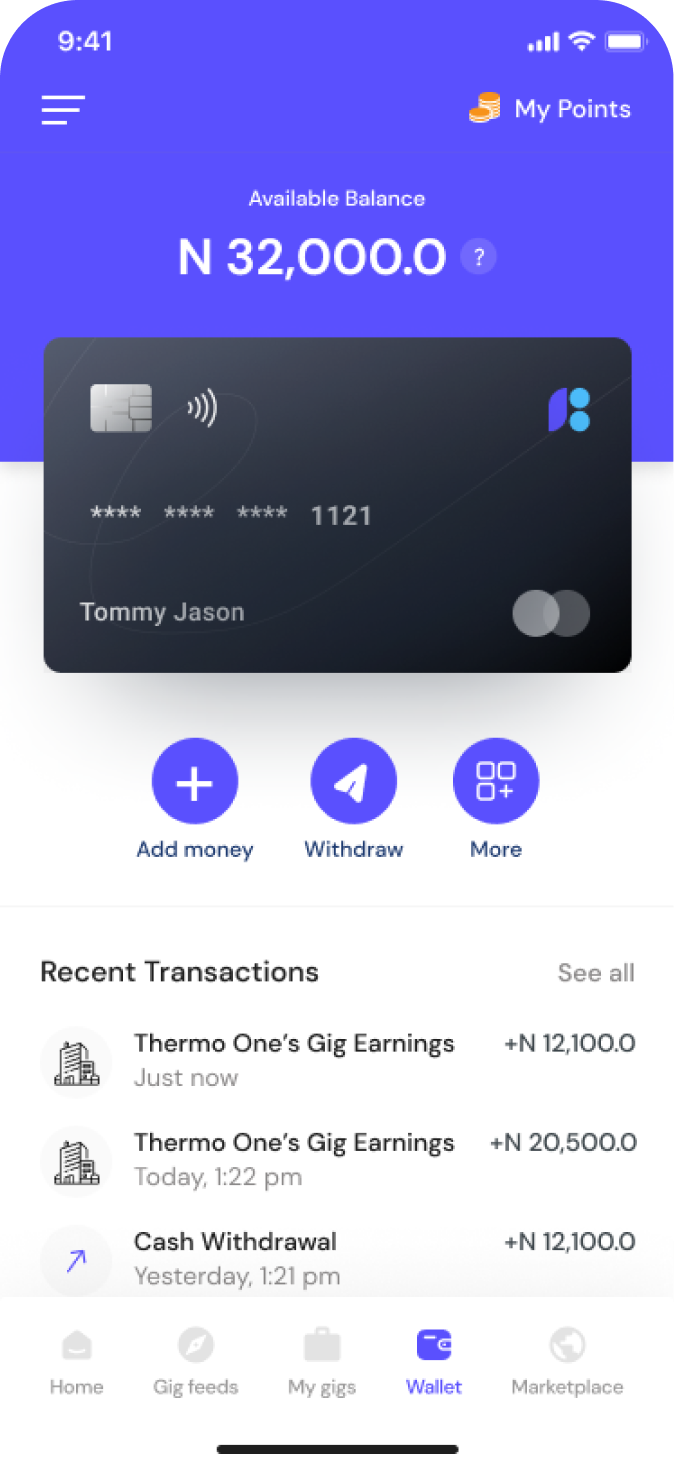
Wallet balance, transaction history, and fund management
Next Project
01
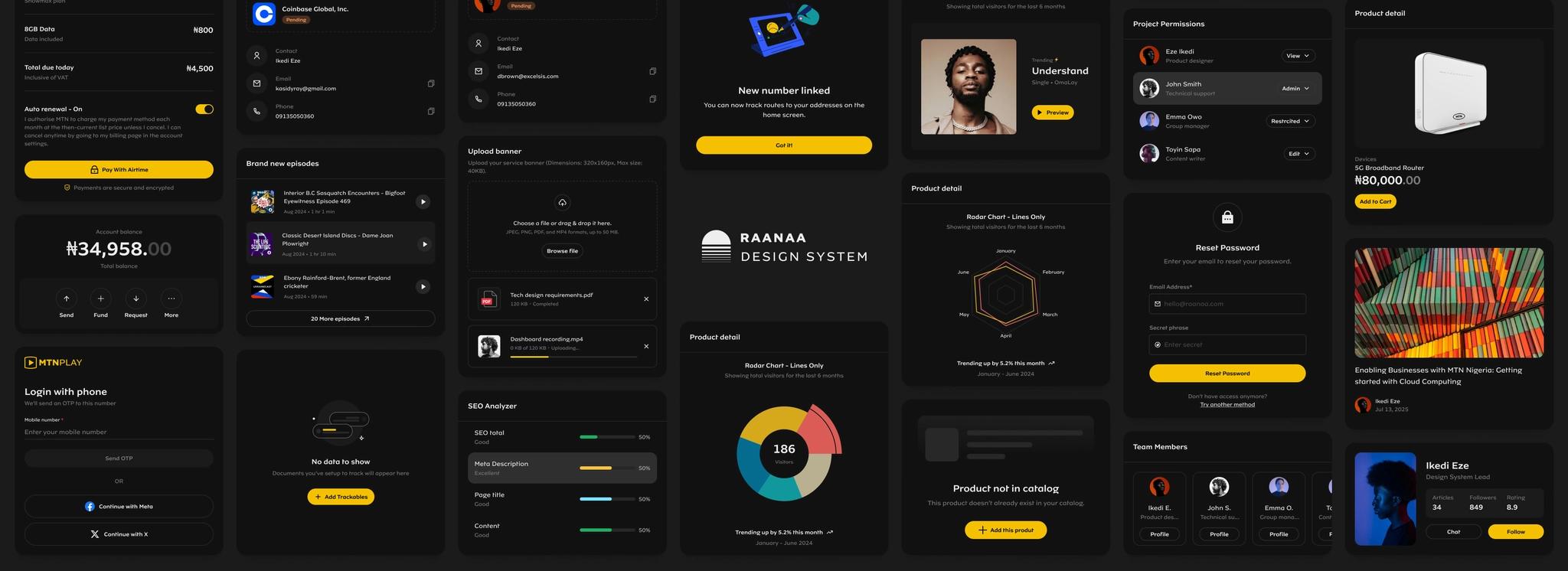
Building Raanaa: MTN's Design System
MTN Nigeria · Design System Lead
Interested in working together?
I'm currently available for new projects and collaborations.